

You can manage your subscription and perform the following actions:
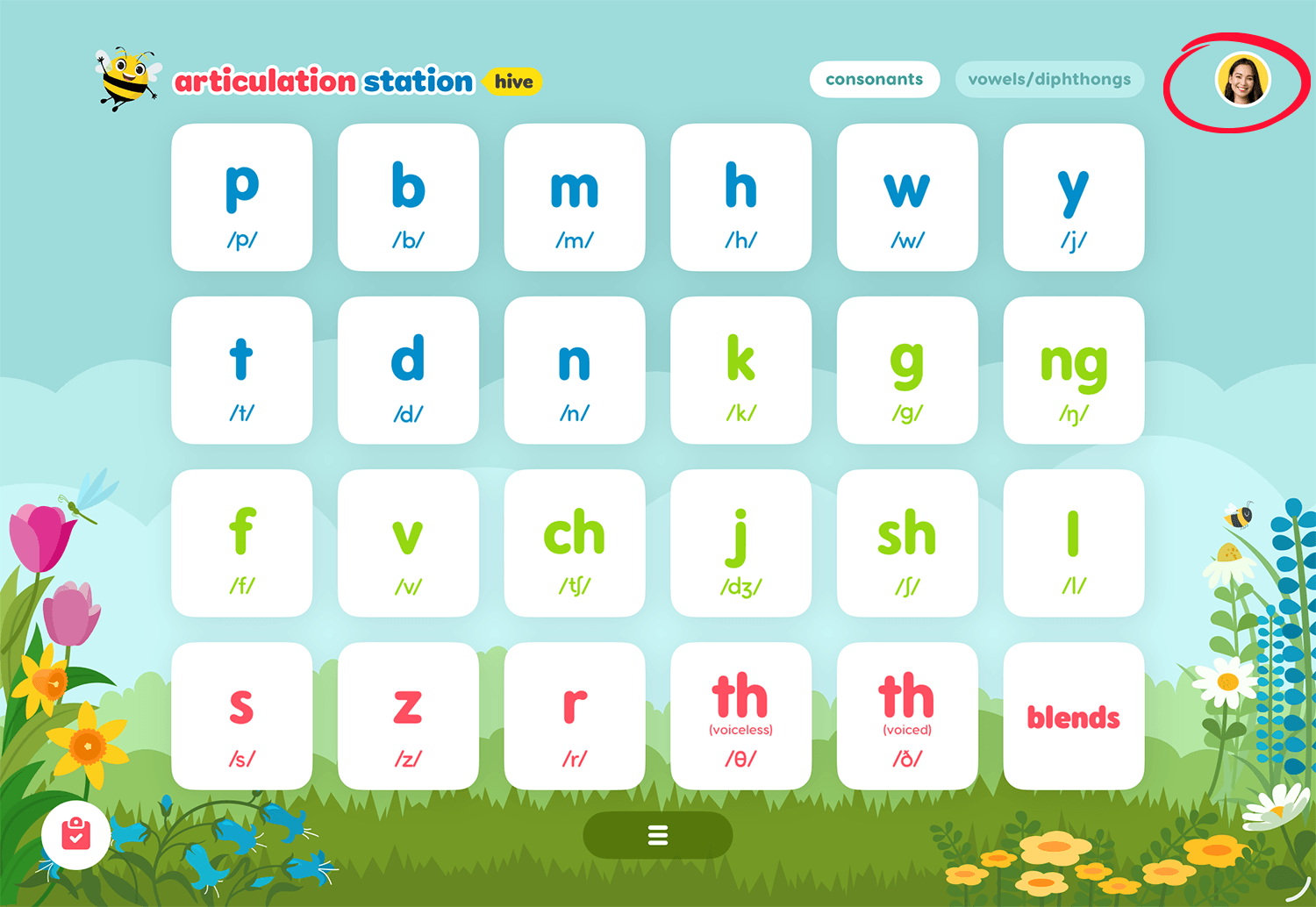
To manage your Hive subscription tap on your user profile image from the home screen of any Little Bee Hive application.
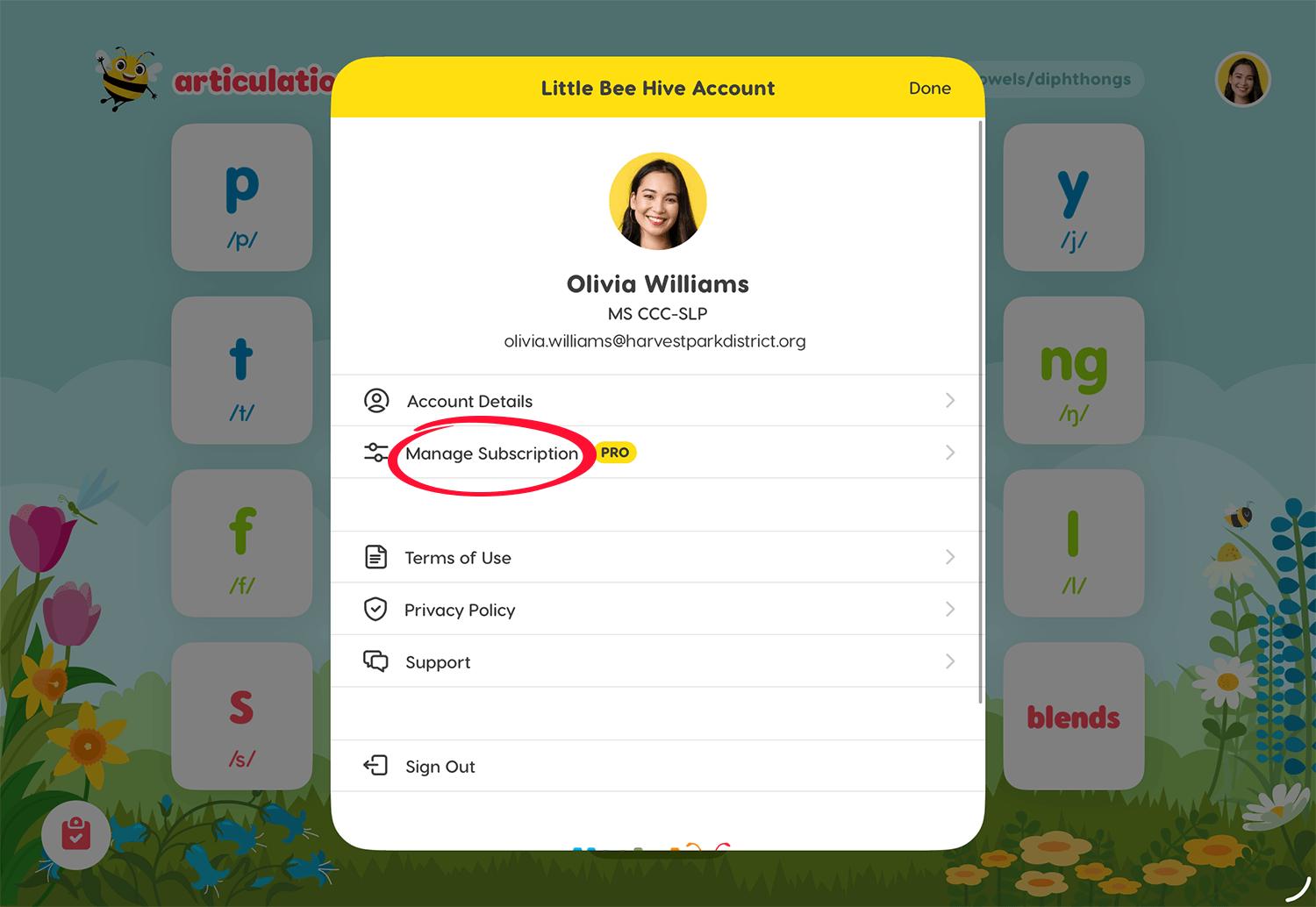
Then tap Manage Subscription to see the subscription details screen.
On the subscription details screen tap Manage your subscription.
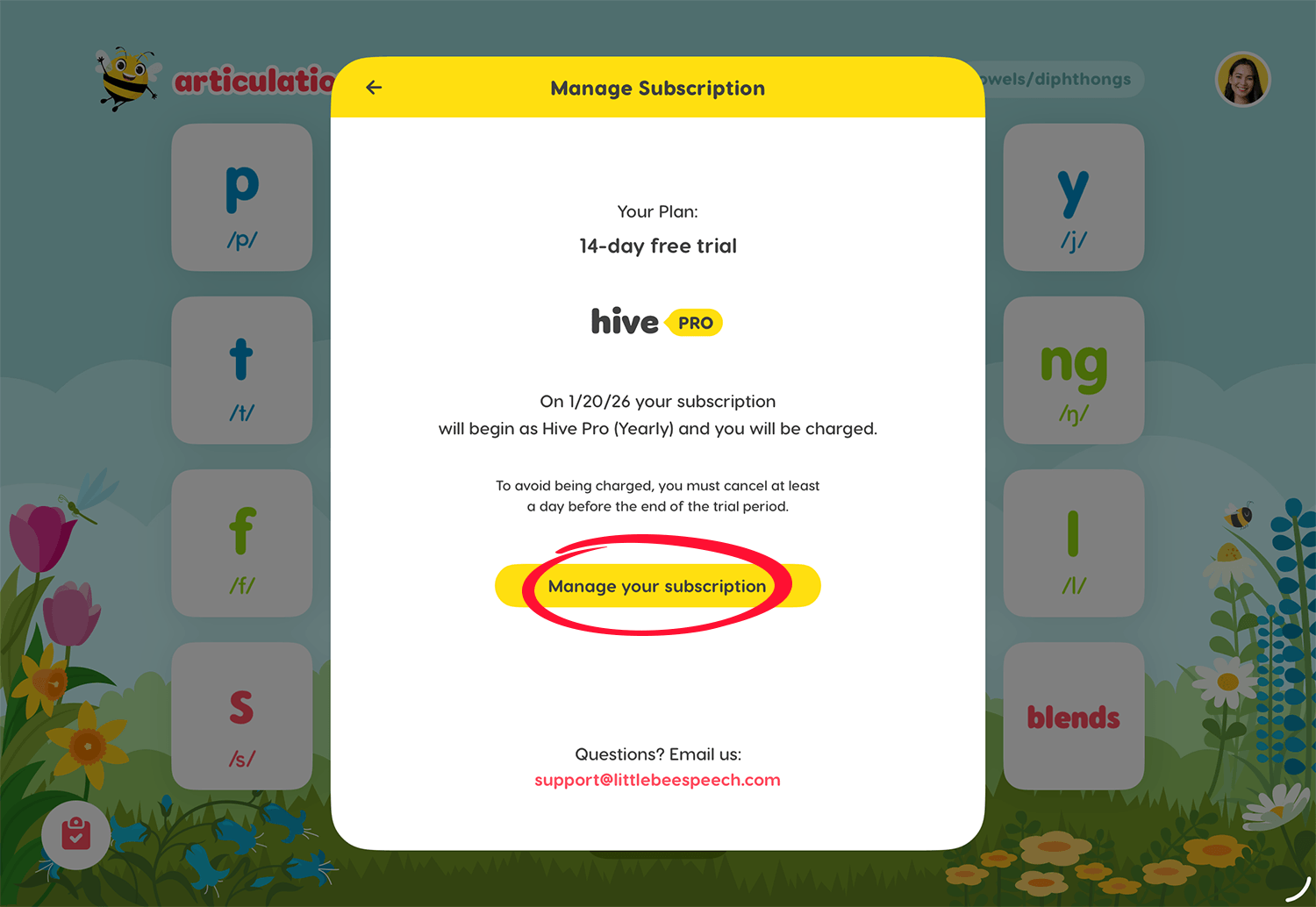
You will then be directed to the appropriate account management screen based on how you originally purchased your subscription:
Apple in-app purchase: You will be redirected to your Apple subscription settings.
Little Bee Store purchase: You will be redirected to your Little Bee Store (Stripe) subscription settings.
If you have additional questions about managing your Hive subscription please contact us: