

Updating your Hive account email is easy. Simply open any of your Hive applications and follow these steps:
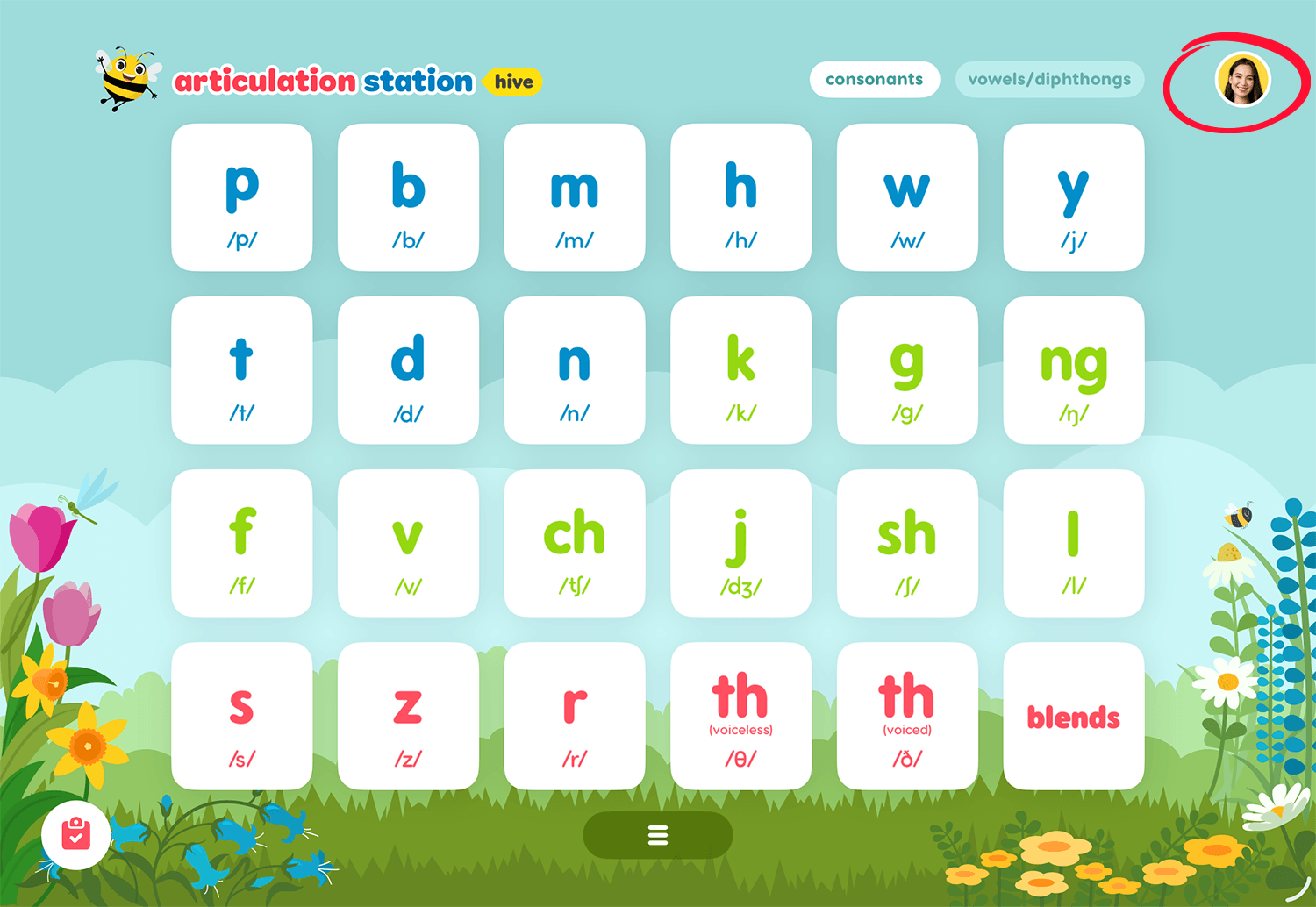
1. Tap your account profile image.
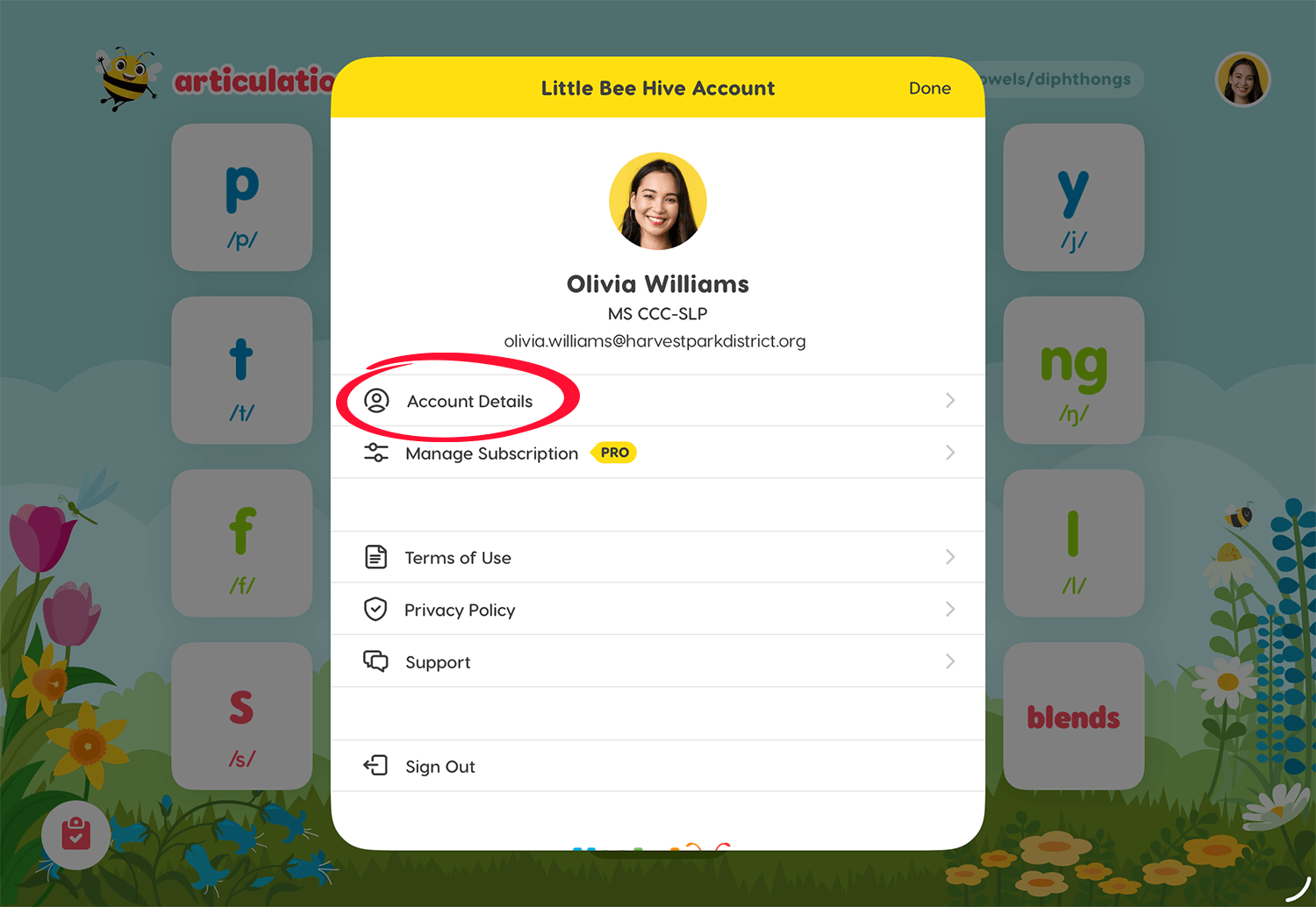
2. Tap Account Details.
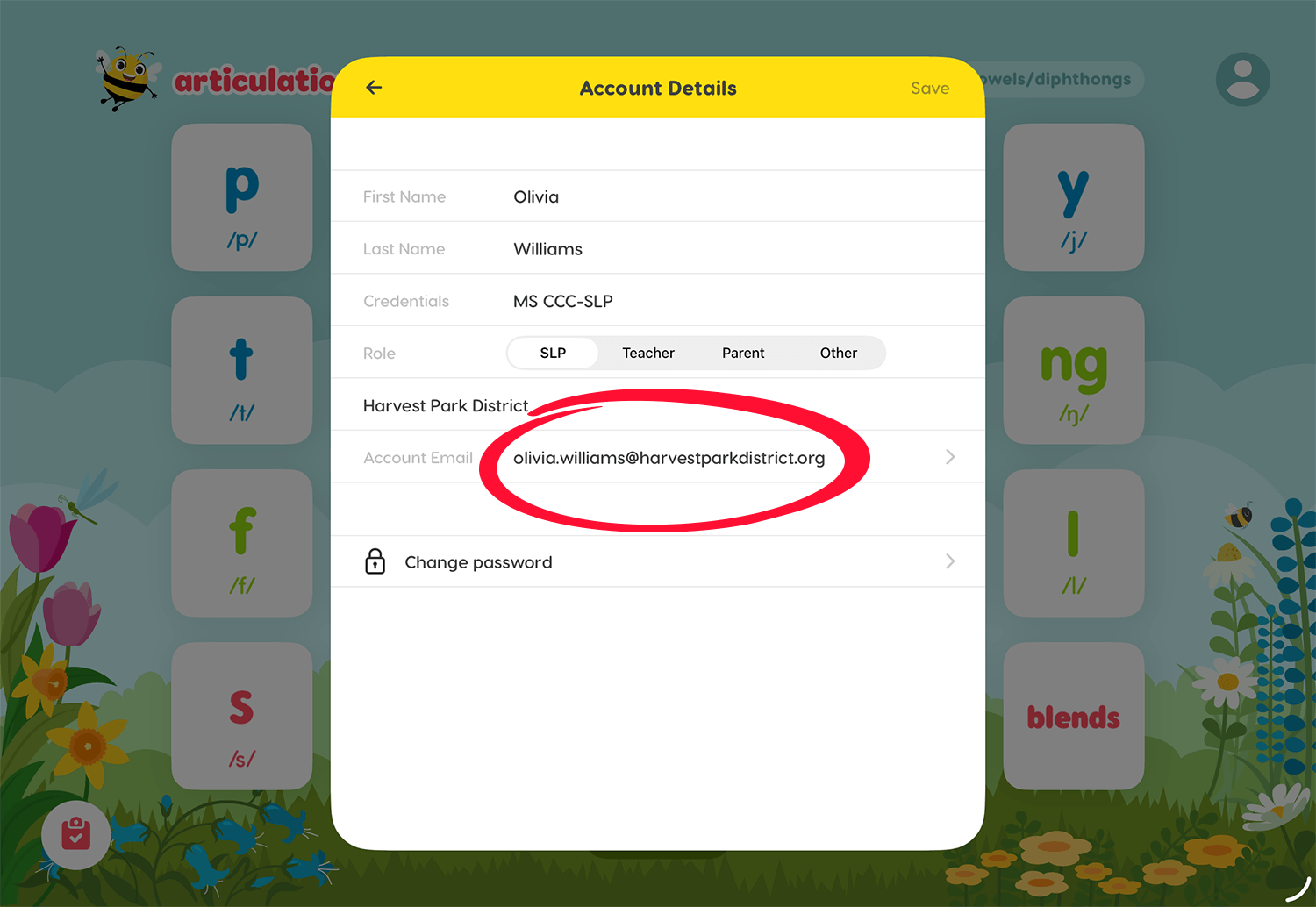
3. Tap on your email.
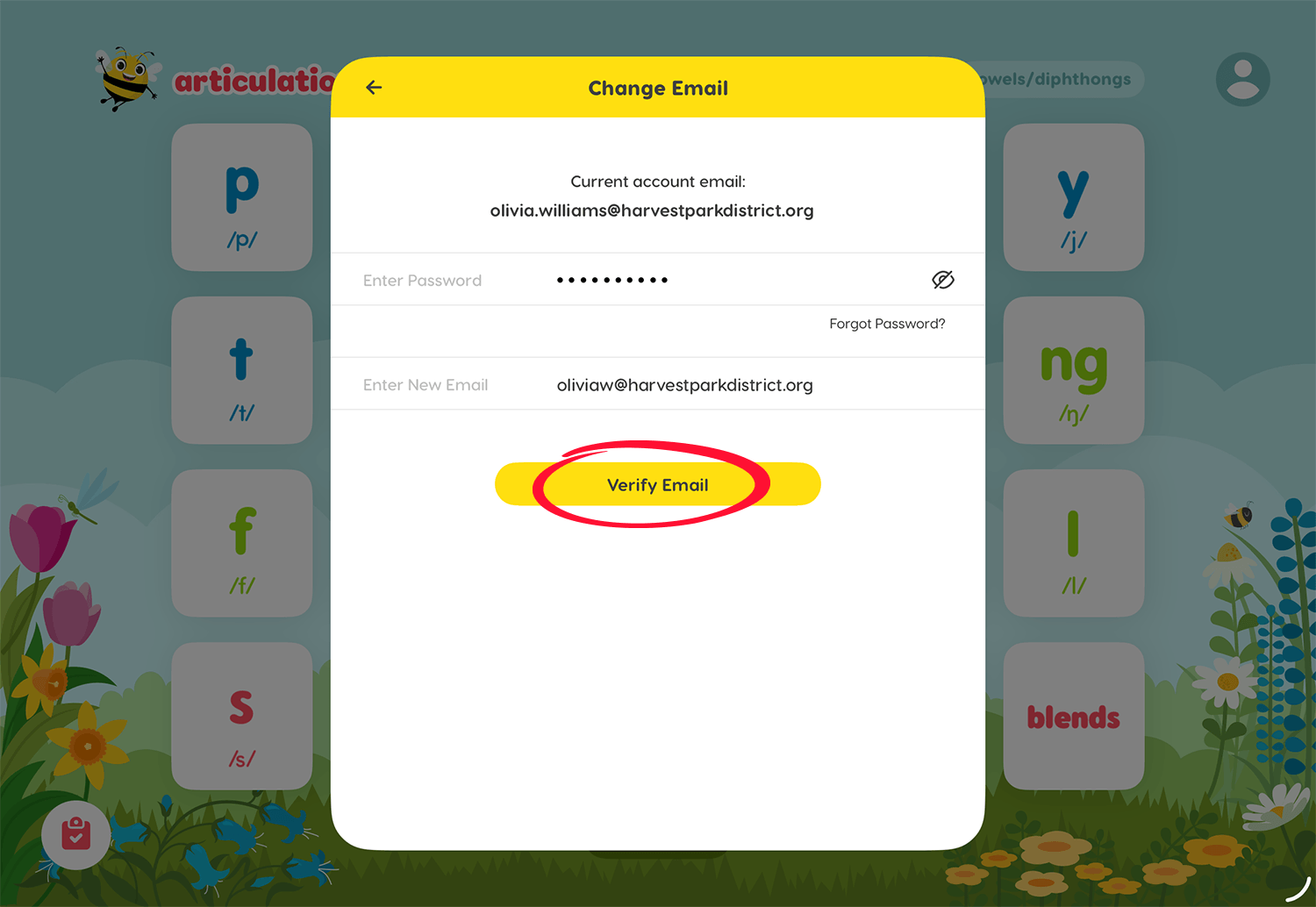
4. Enter your Hive account password and your new email address that you are updating to, then tap Verify Email.
5. You will be sent a 6-digit verification code to your new email. Retrieve the code from your new email and add it in the space provided within the app.
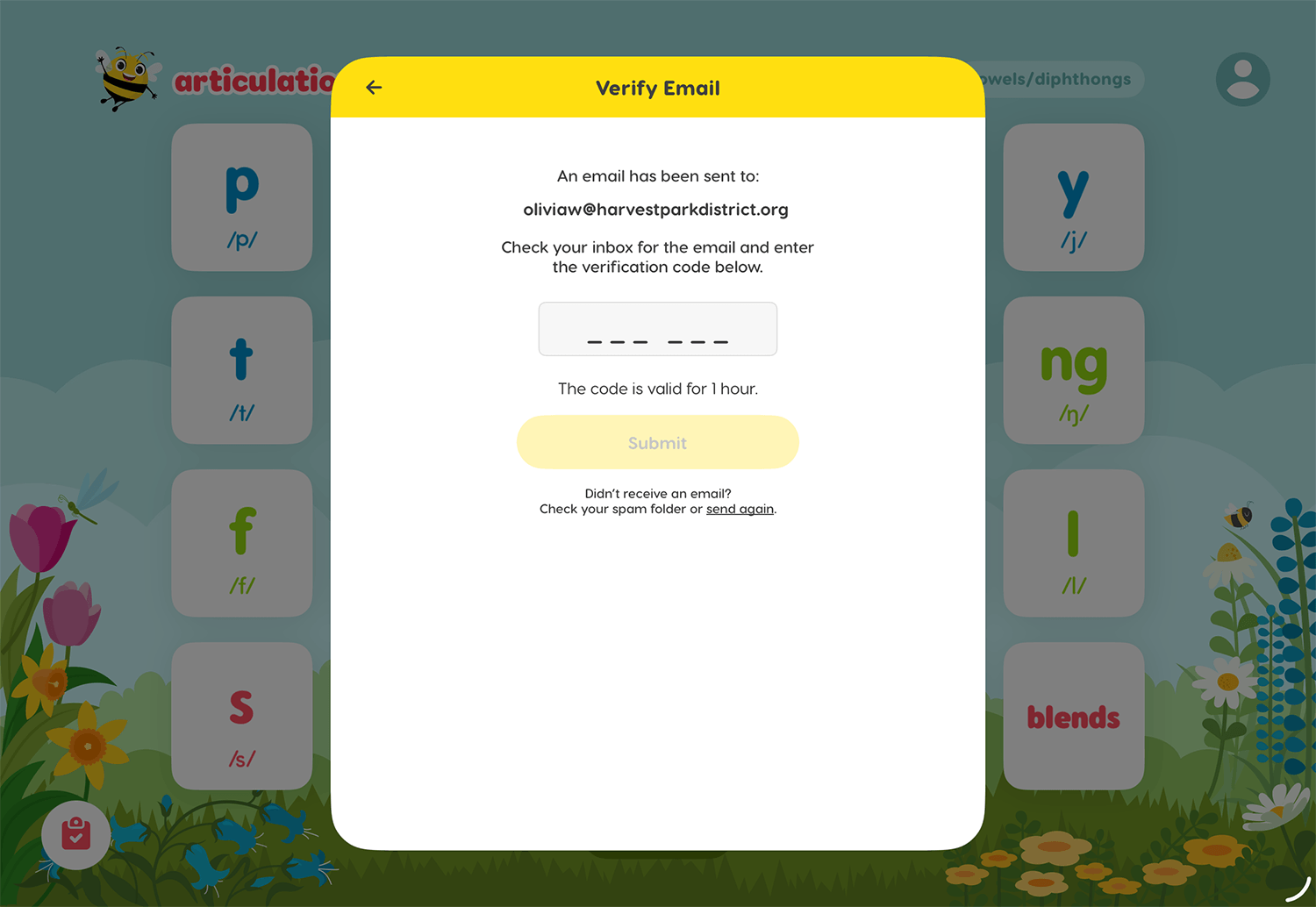
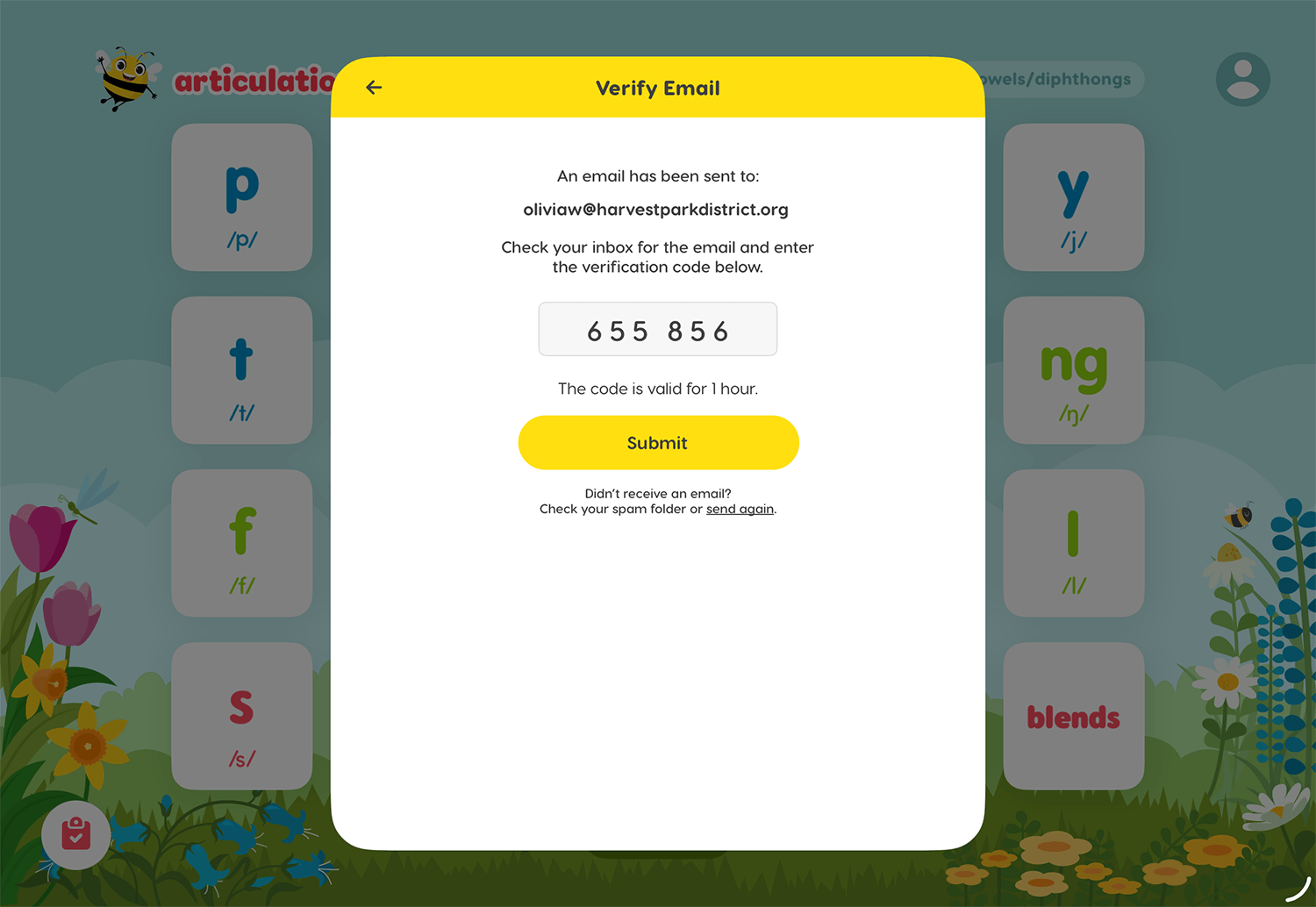
6. Add the verification code from your new email and tap Submit.
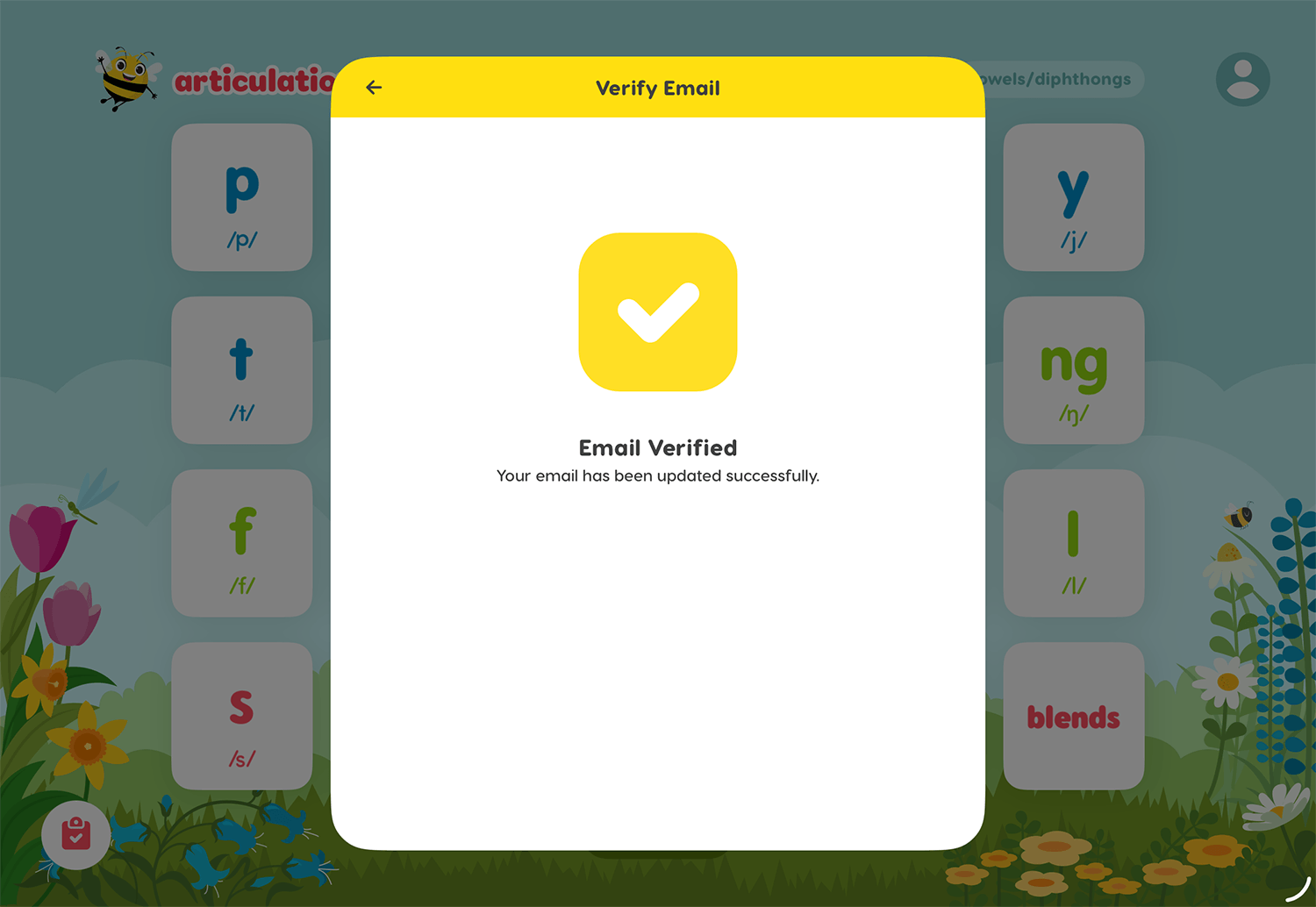
7. When you see this confirmation screen your email has been successfully updated.
If you have additional questions about how to change your email or other account related information, contact us: