

Rating an app on the App Store is easy to do. You can rate an app using your iPhone or iPad. Follow the steps below to rate an app.
Step 1.
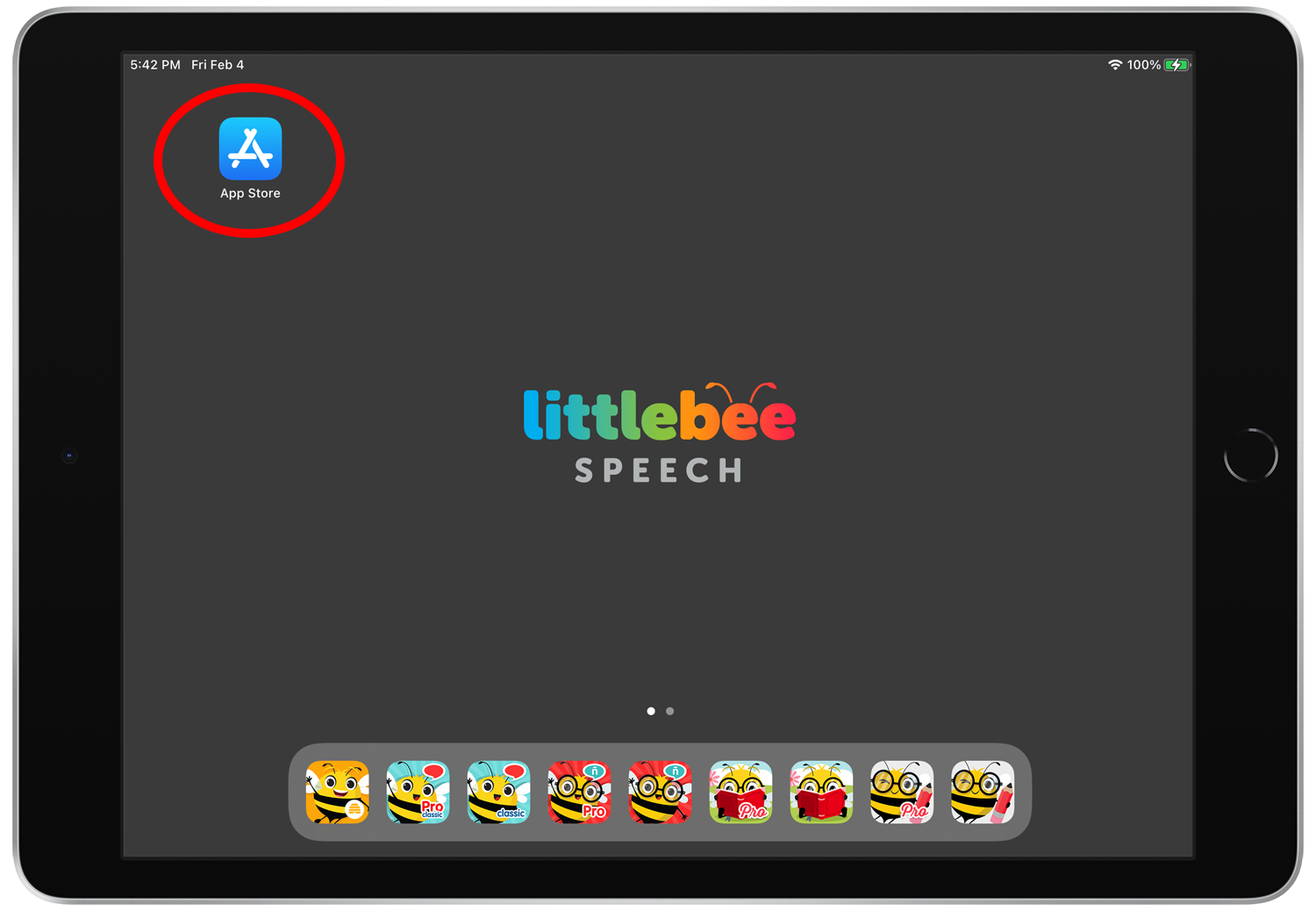
Open the App Store on your device.
Step 2.
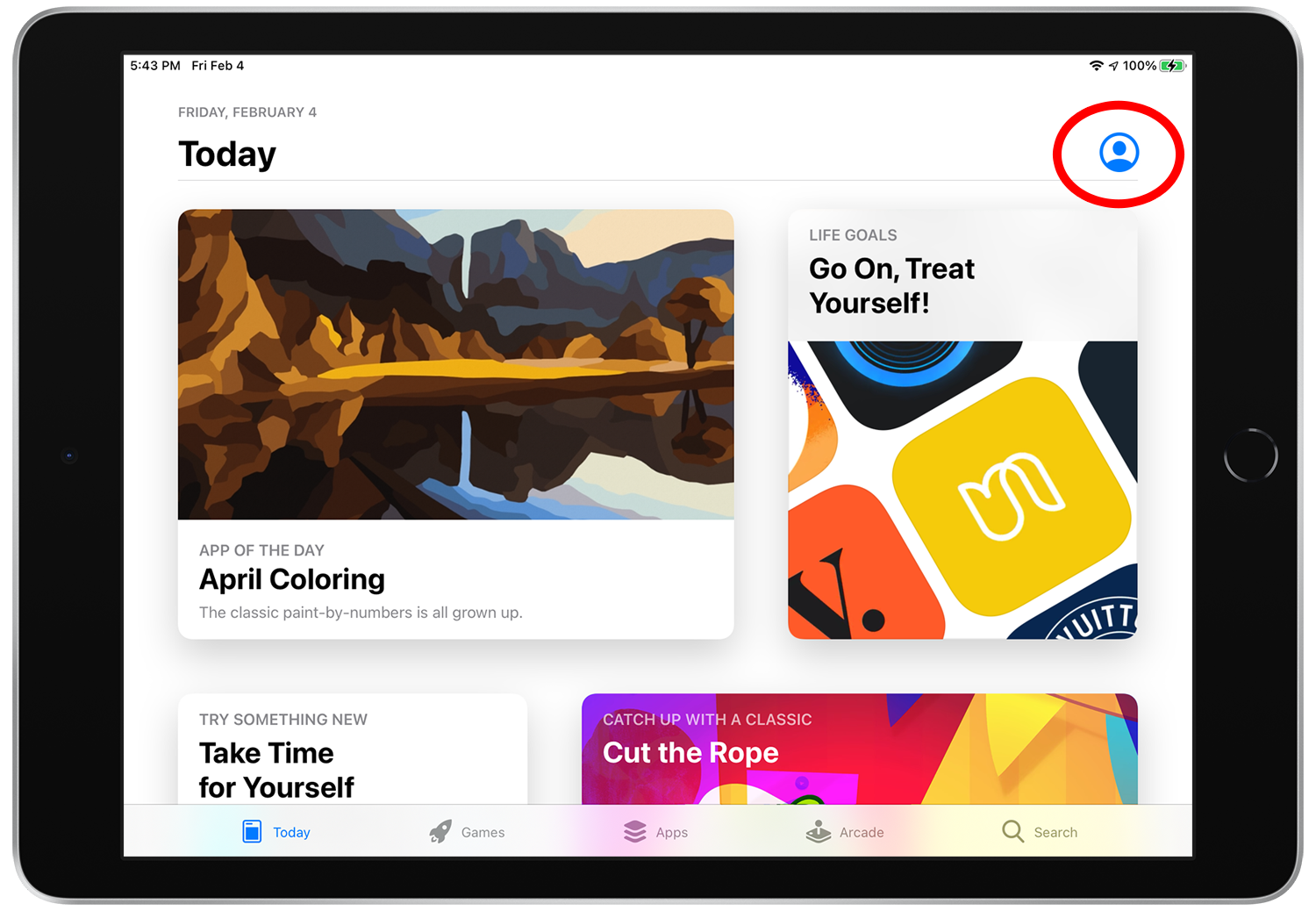
Sign in to the App Store with your Apple ID by tapping on the profile icon at the top right.
Step 3.
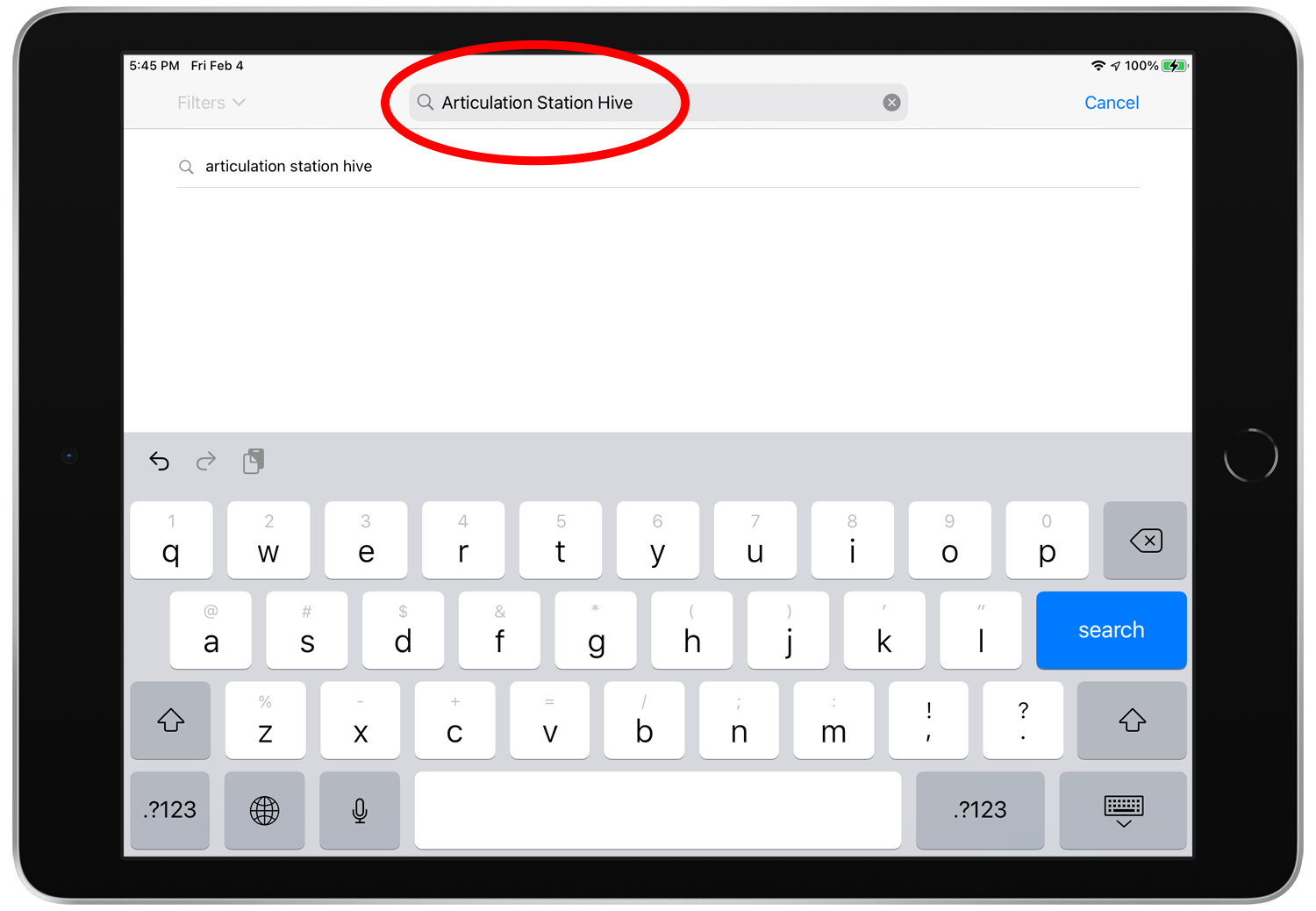
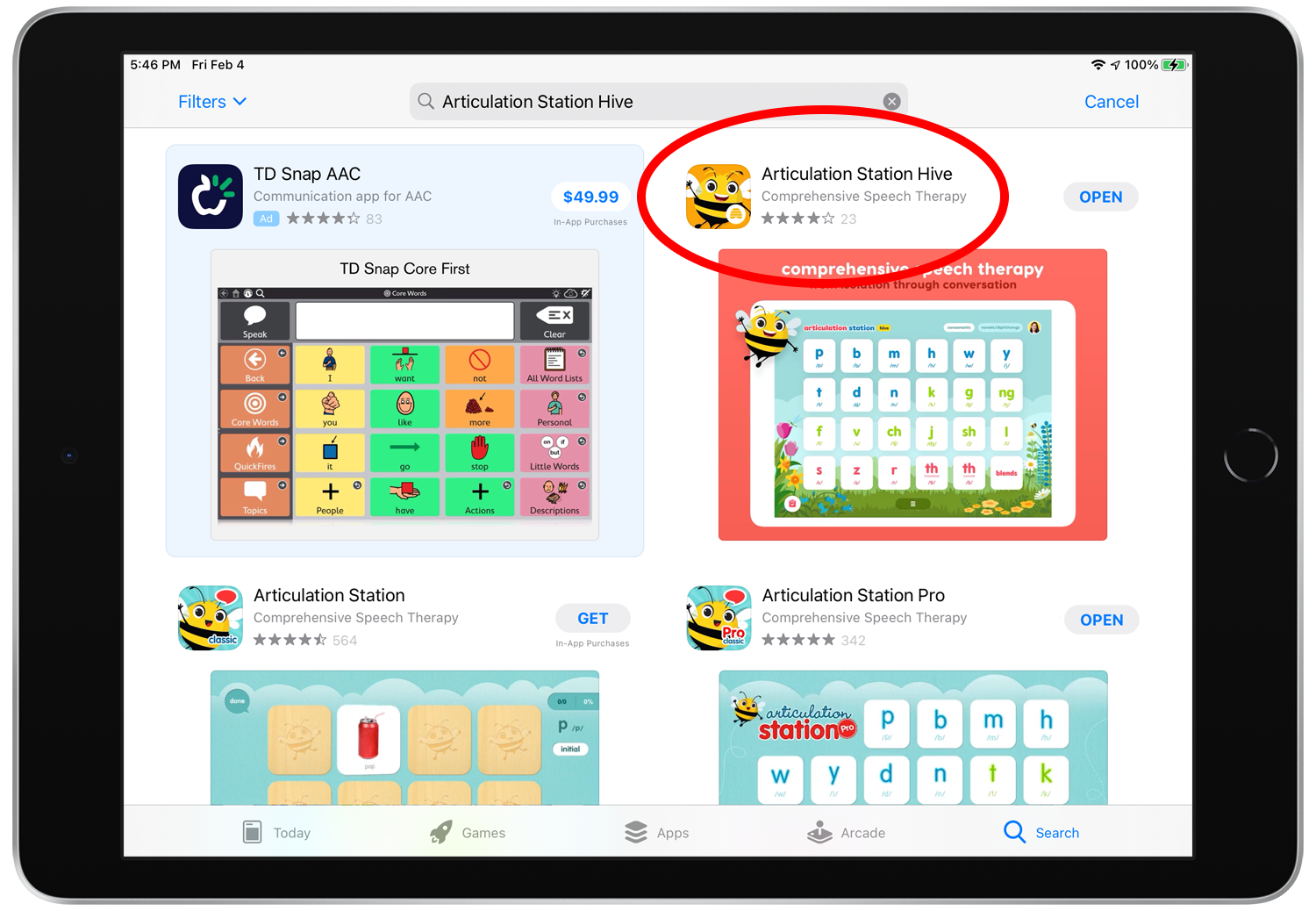
Search for the app that you want to rate.
Step 4.
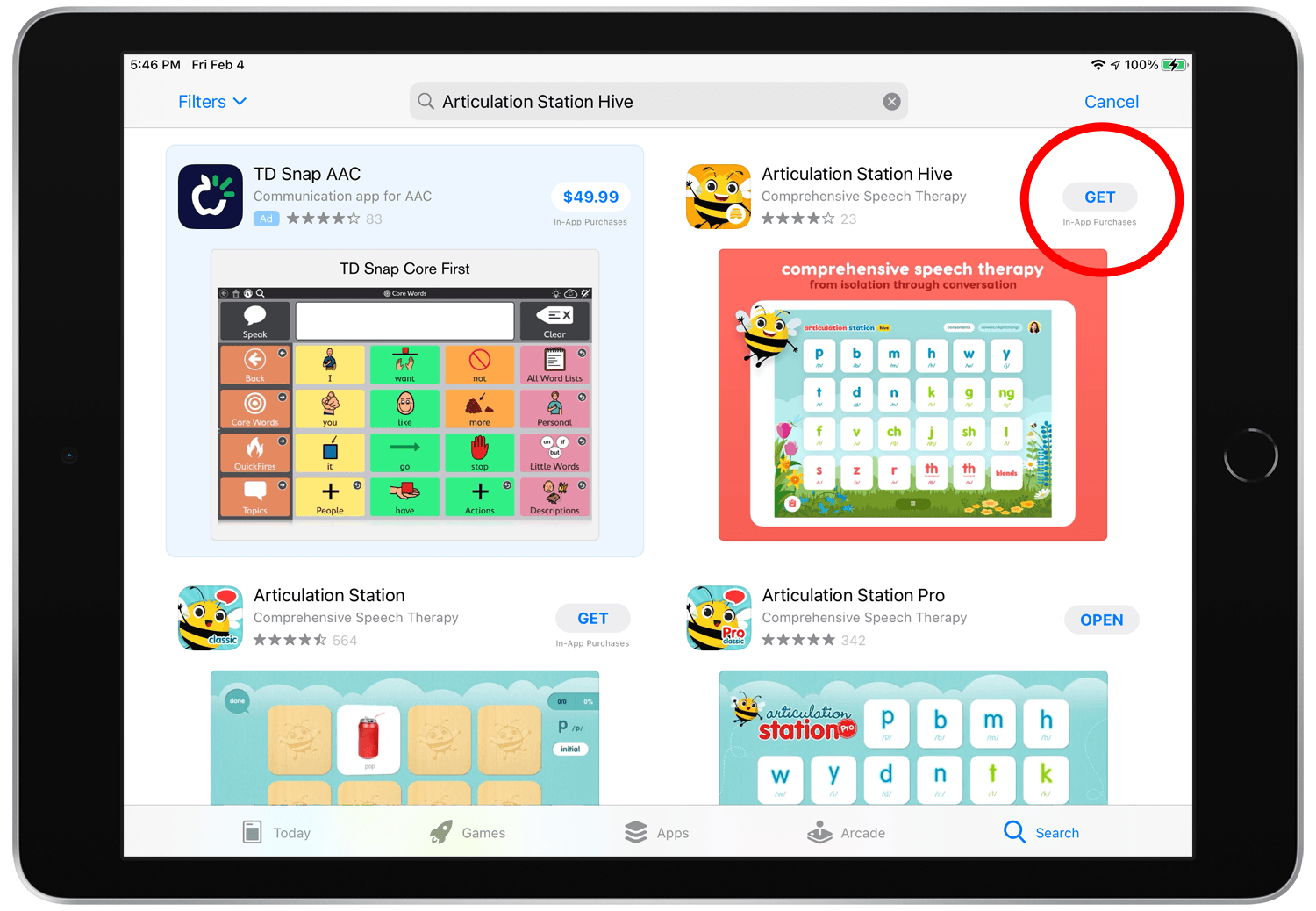
When you find the app in the search results tap the "Get" button to download it.
Step 5.
Once the app is downloaded tap on the app icon or large image thumbnail to view the app details screen.
Step 6.
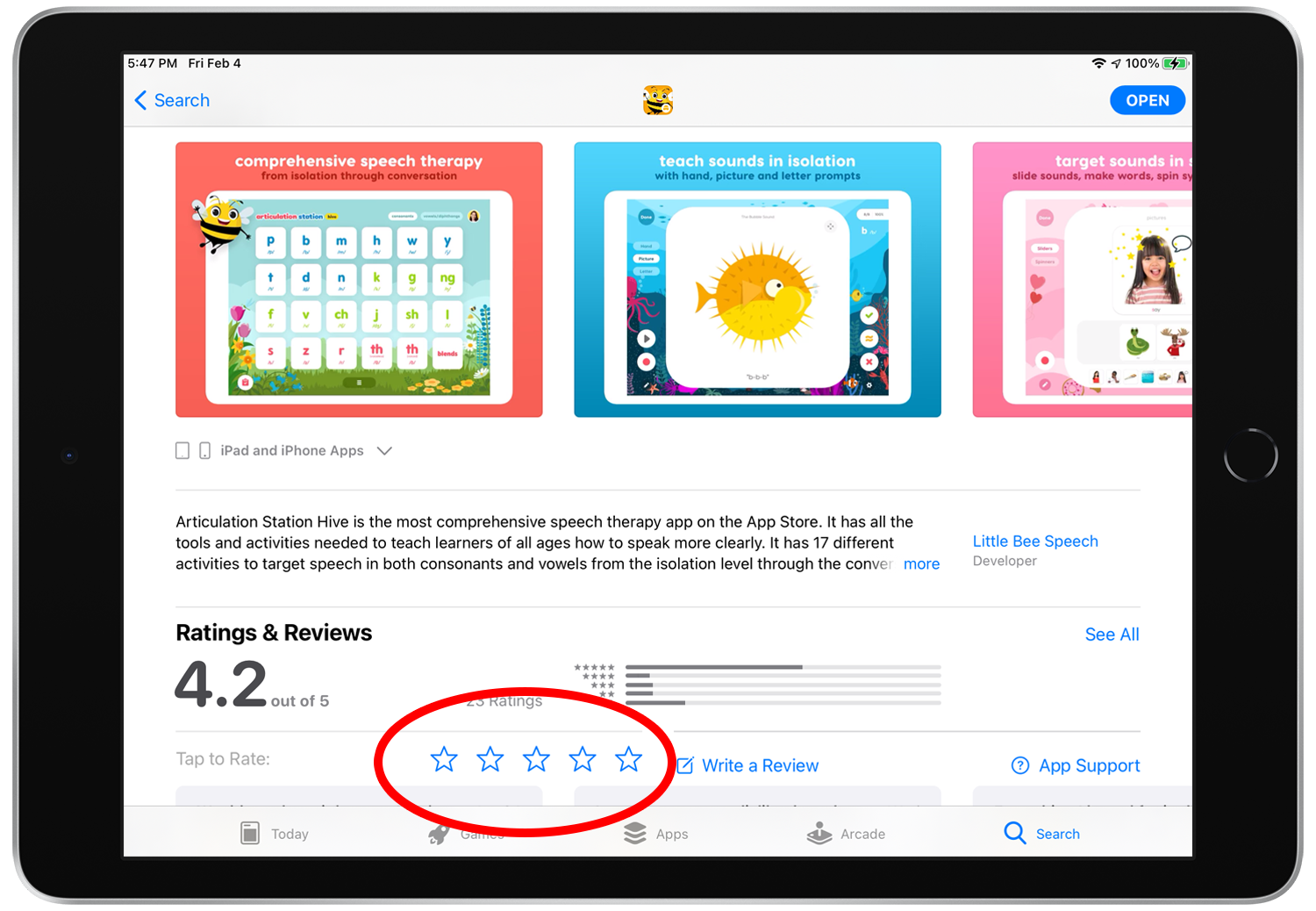
Scroll down until you see the “Ratings & Reviews” section with the stars. Tap on a star to give the app a rating (5 stars is the best!).
Step 7.
Hooray! Grab yourself a treat and enjoy the feeling that you’ve contributed to the App Store and made it a better place for everyone!