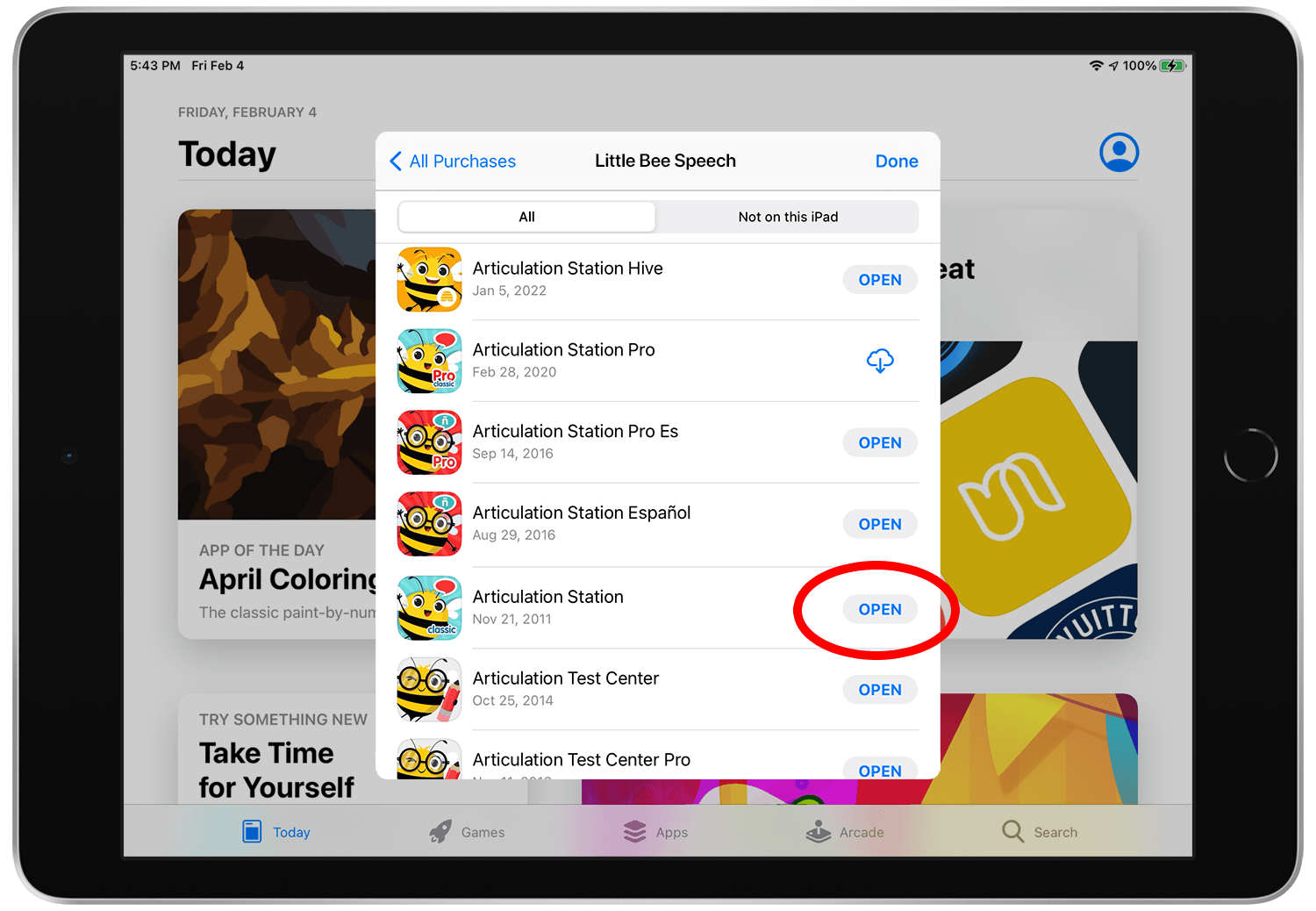

If you have previously purchased an app, you can re-download the same app from the App Store for free as long as you use the same Apple ID that was used to download the app initially.
To re-download an app for your account:
Step 1.
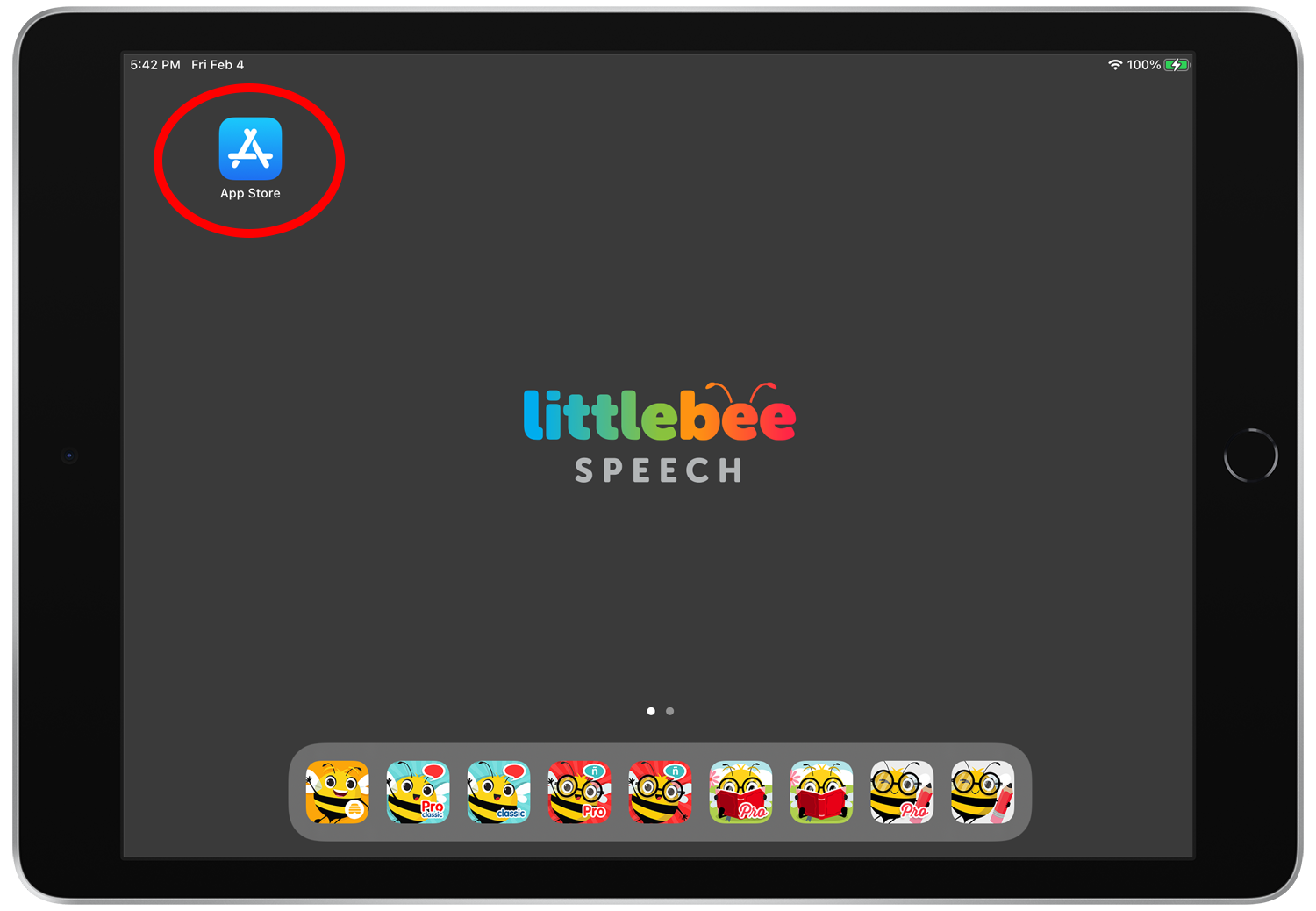
Open the App Store.
Step 2.
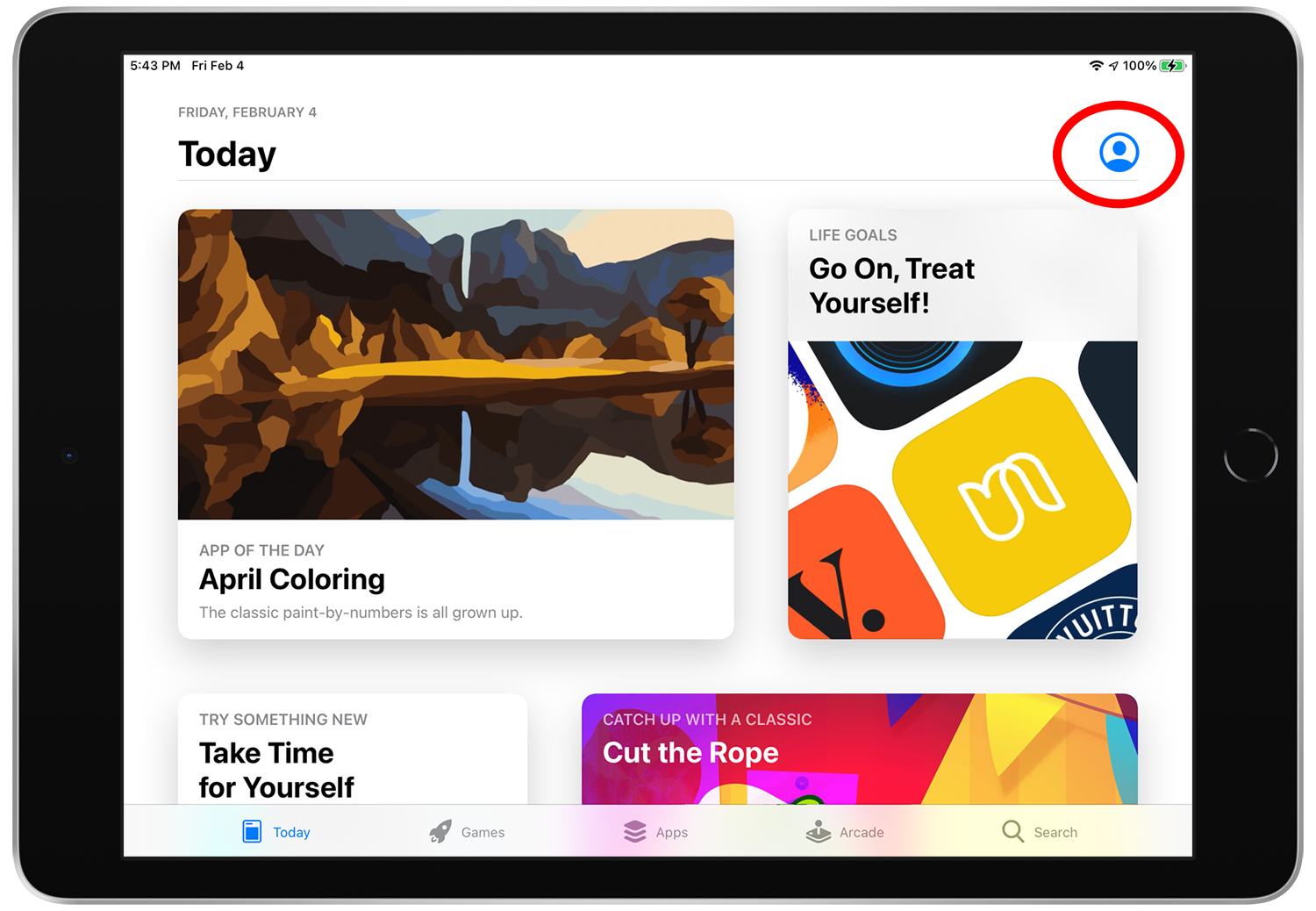
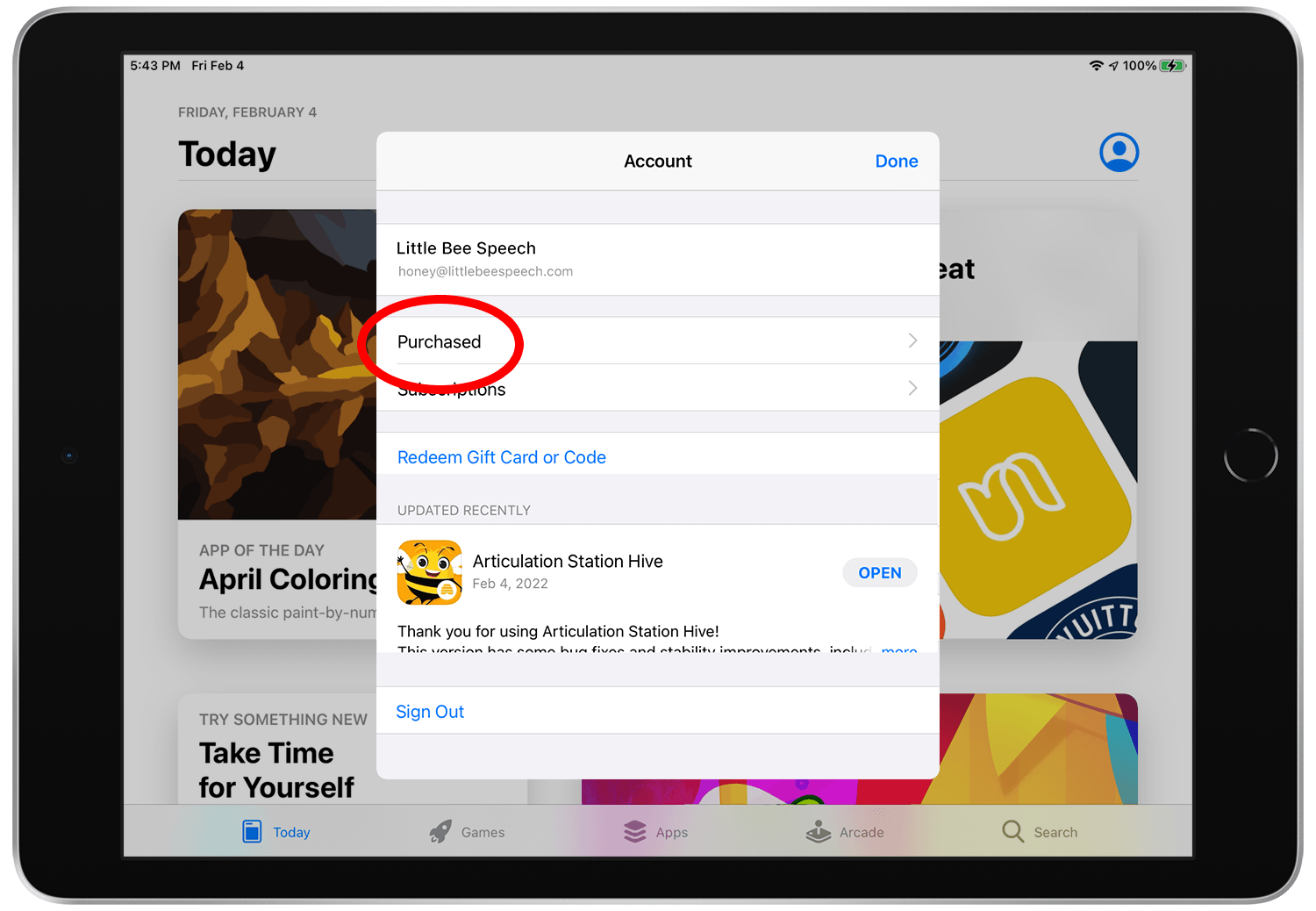
Tap the account profile button at the top right of the screen.
Step 3.
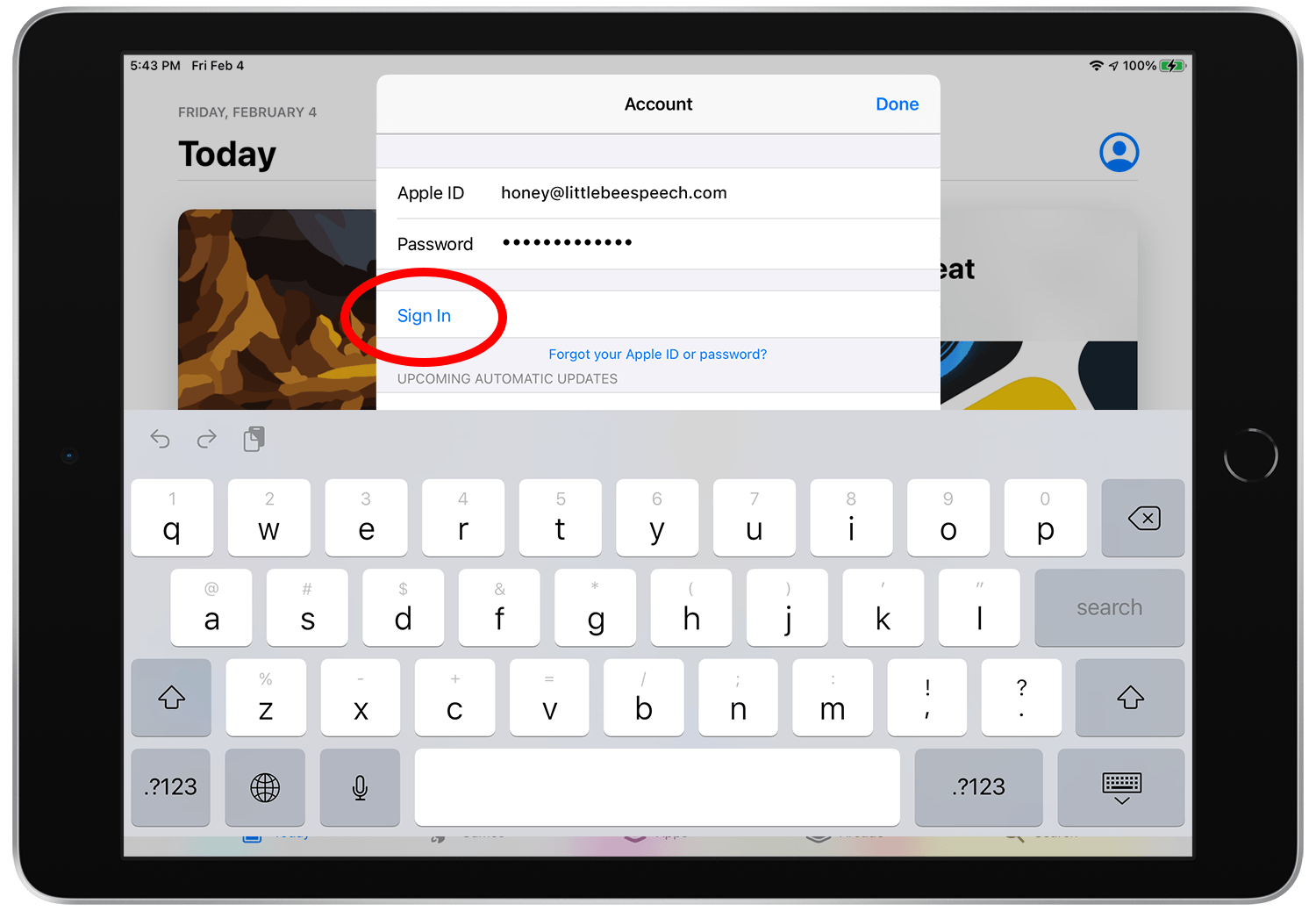
Sign in with the same Apple ID that was used to download the app initially. It's important that you use the same Apple ID otherwise you will not have access to the app you are trying to re-download.
Step 4.
Once you are signed in, tap “Purchased”, then “My Purchases” if you are on a Family sharing account.
Step 5.
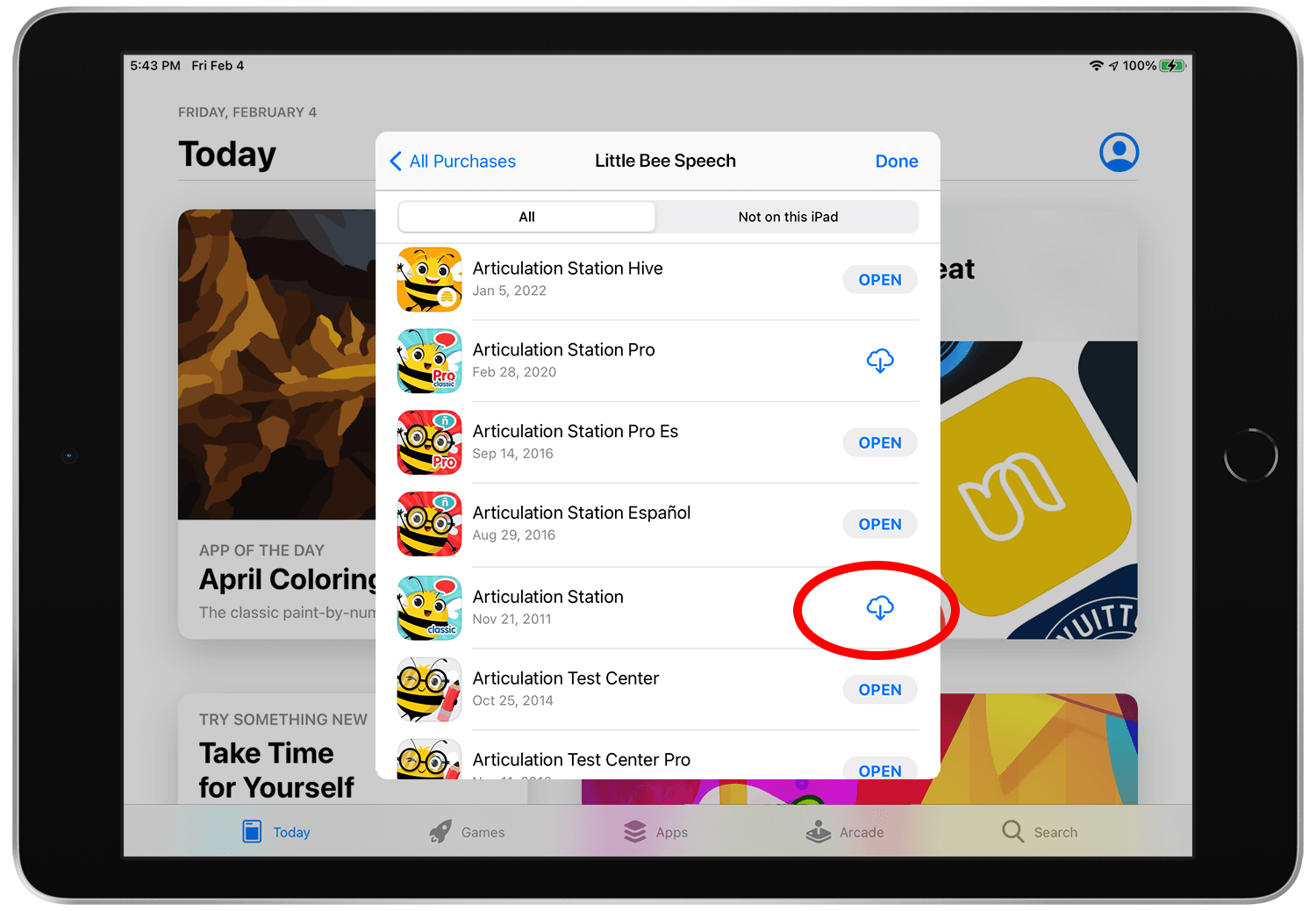
Find the app you want to re-download then tap the download button next to it.
Step 6.
Once the app is downloaded, open and enjoy!