
Working with a group of students in Articulation Station Hive is easy and fun. Students can each work on a different activity at their level in a group setting.
Step 1.
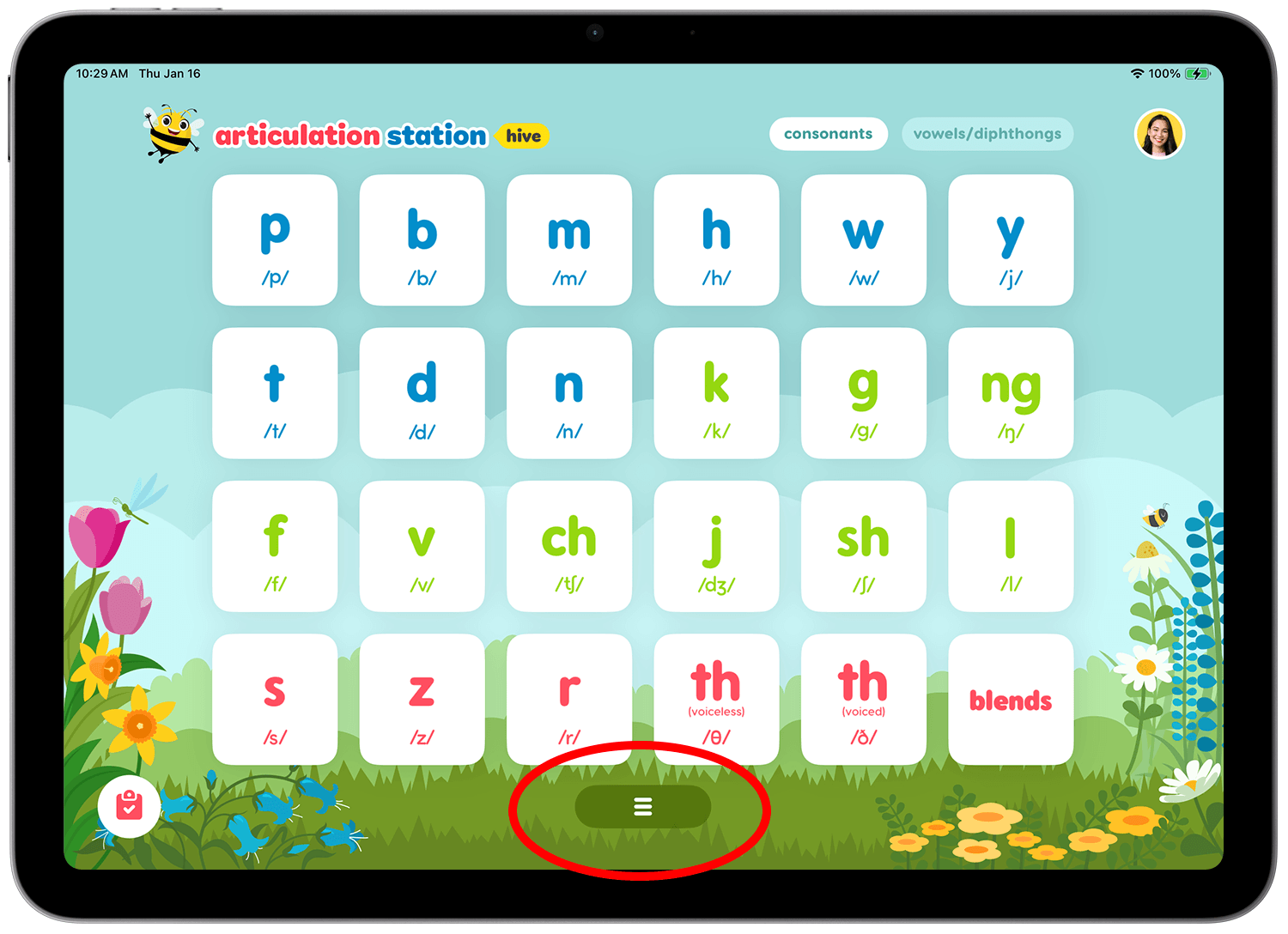
Tap the dock icon on the home screen to access the Group Session button.
Step 2.
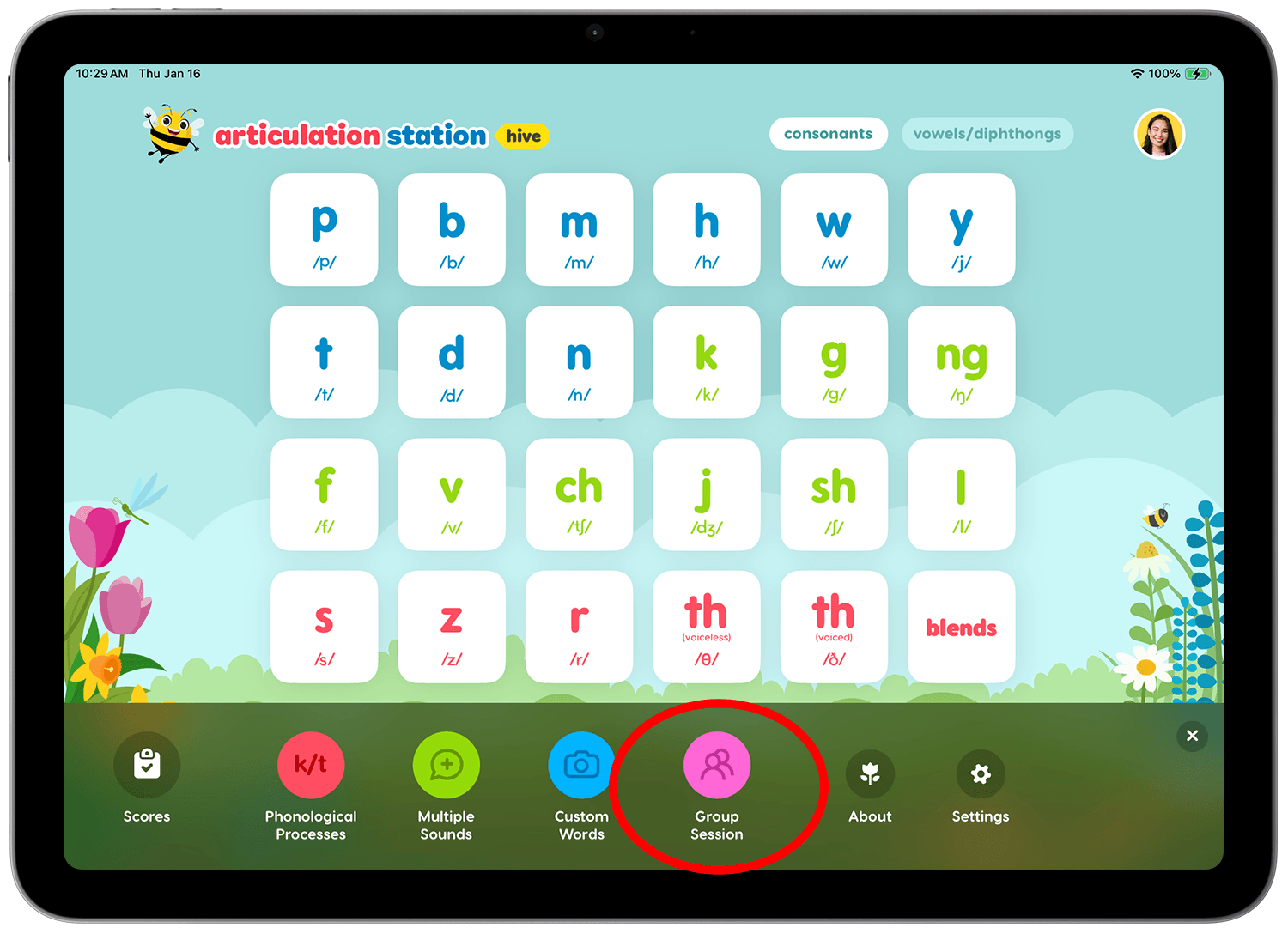
Once the dock opens tap the Group Session button.
Step 3.
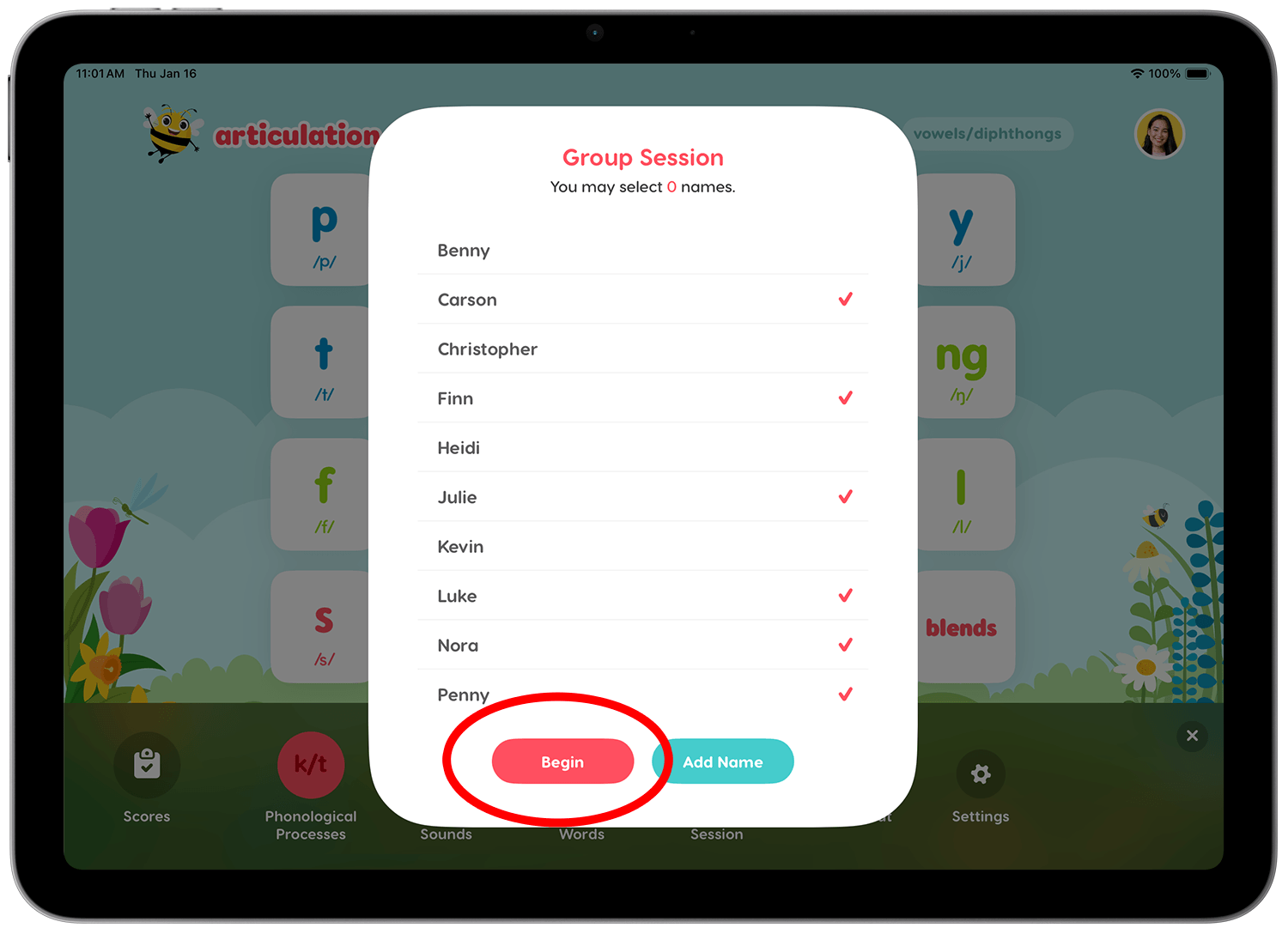
Select the students to be in the group and tap Begin. You can add additional students if needed by tapping the Add Name button. You can add up to 6 students.
Step 4.
Student images and names will appear at the bottom. Tap the student you'd like to begin the session with.
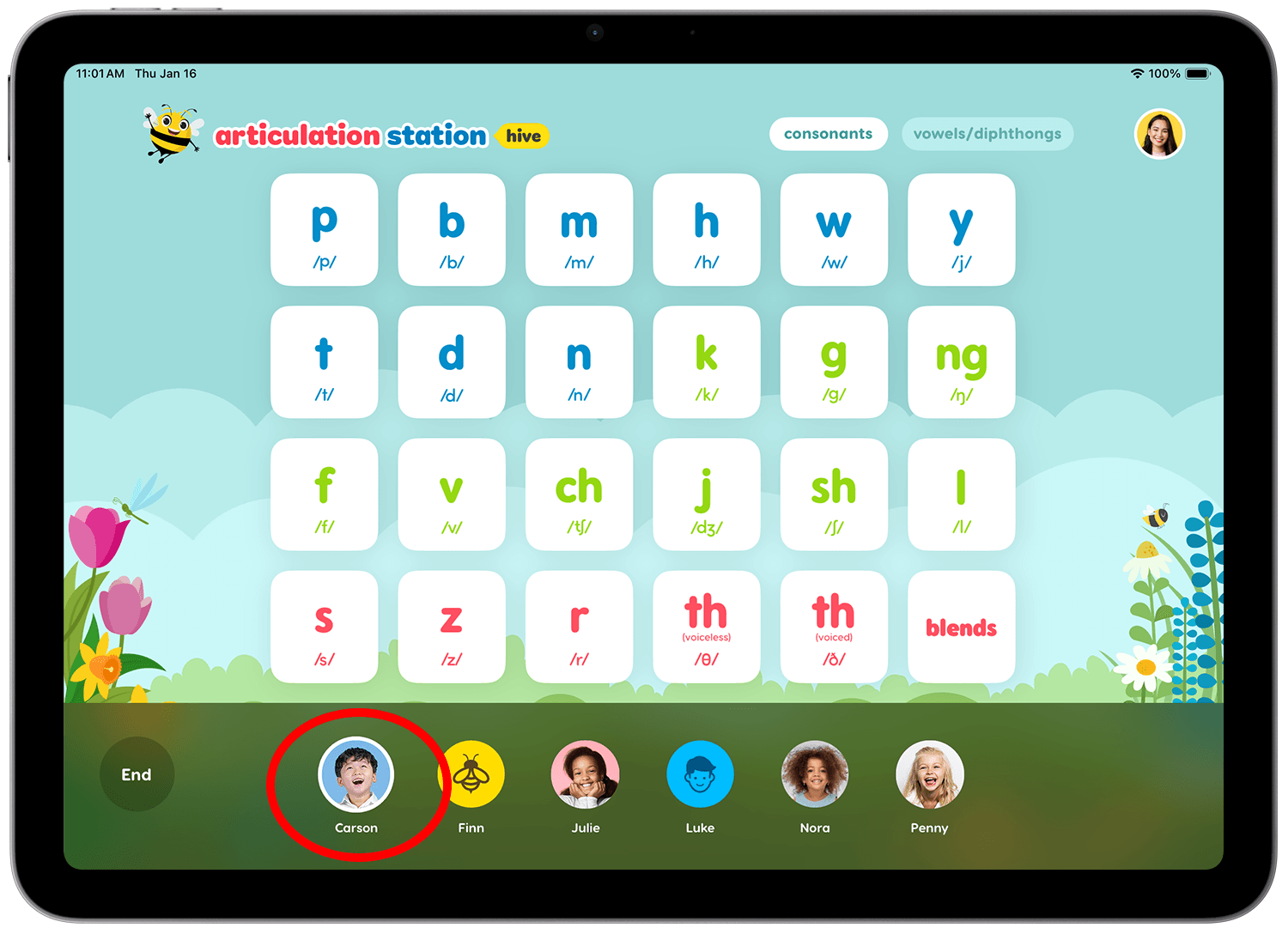
Step 5.
The selected student's image and name will appear on the left side of the screen, indicating that they are the active student. Navigate to the activity you'd like them to work on.
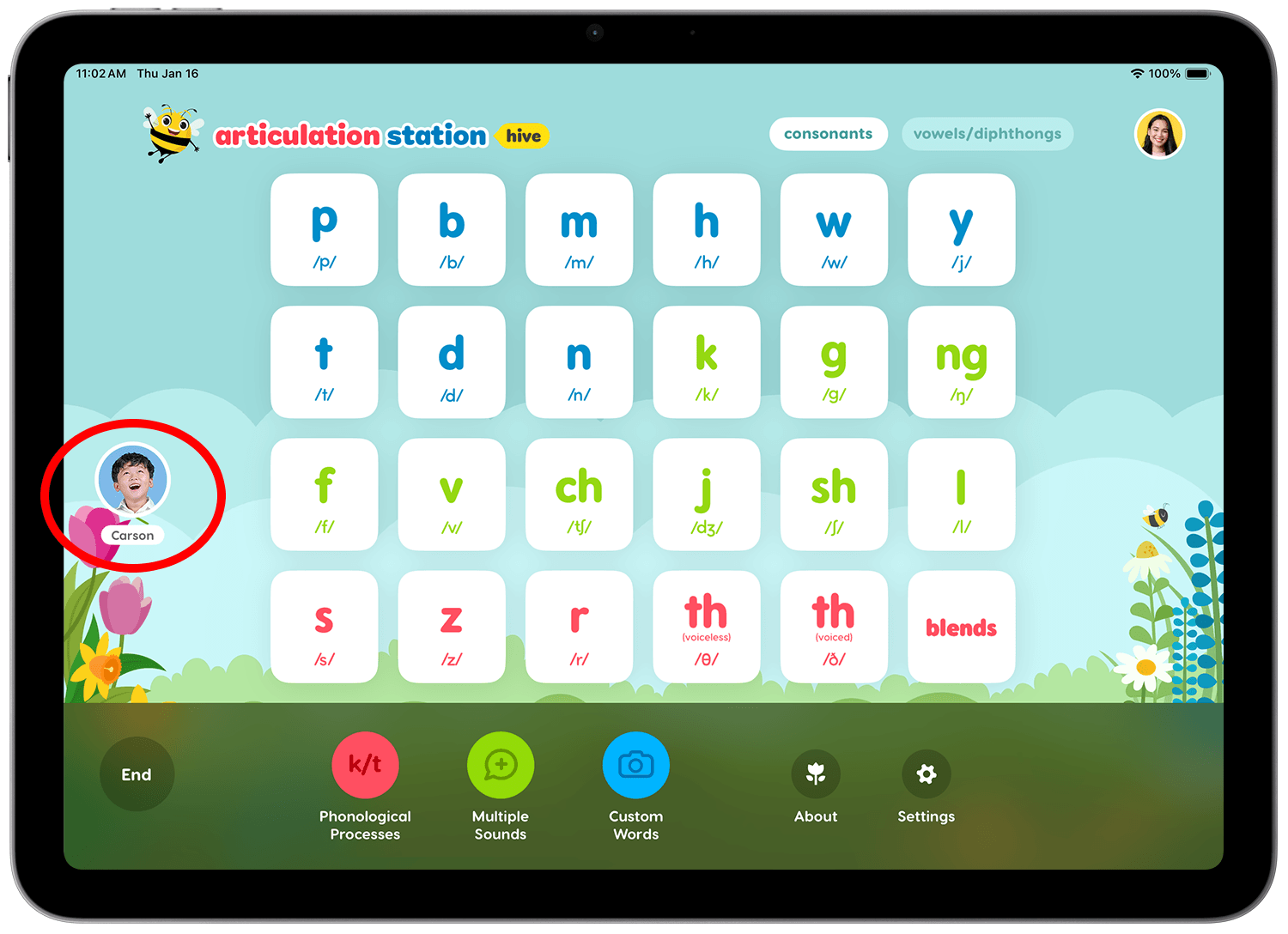
Step 6.
You can work on the student's activity like a normal session. You can go back to the home screen and select a new activity by tapping the home button. You will have an opportunity to save their scores at the end of the group session.
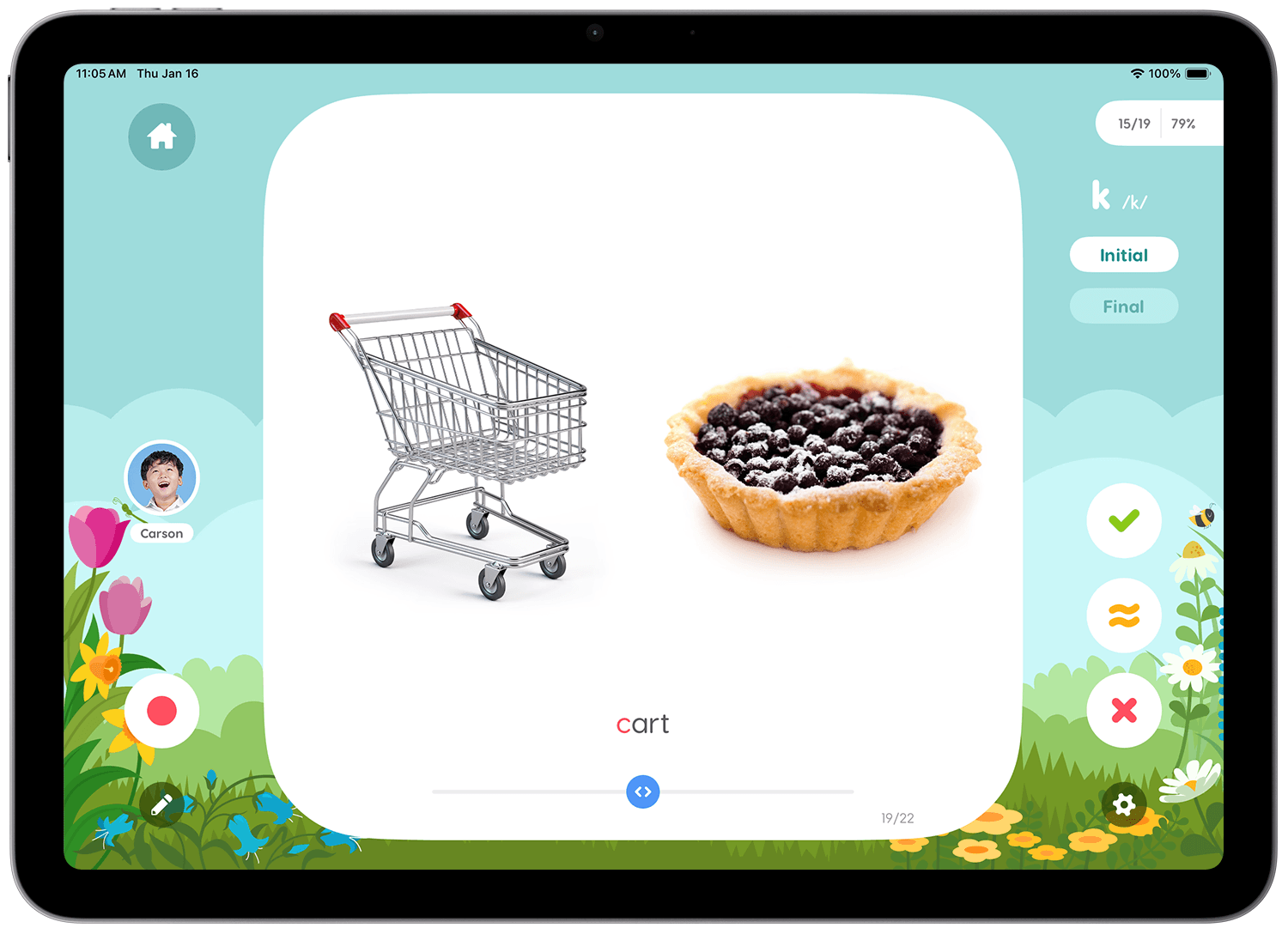
Step 7.
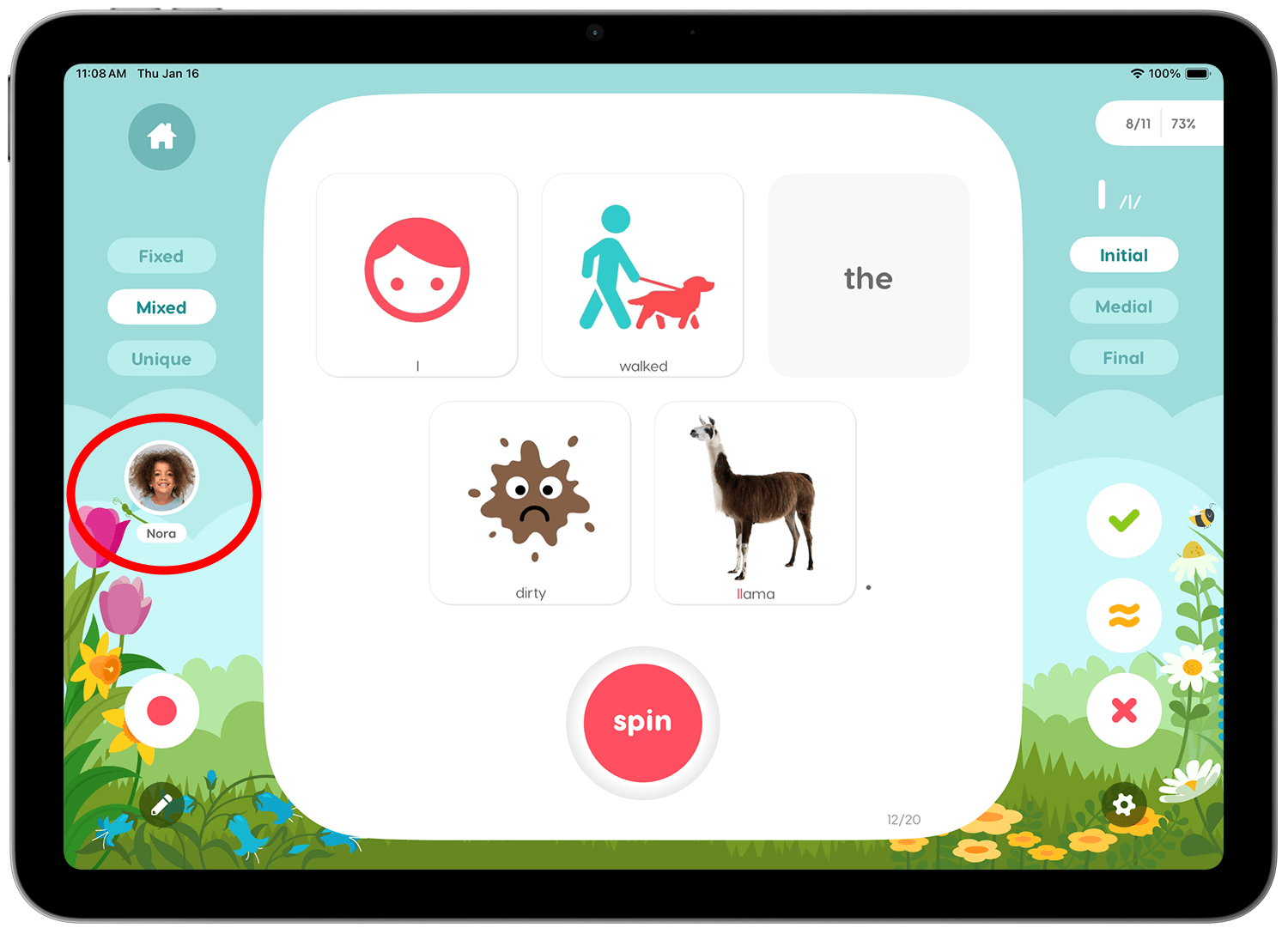
Switch to the next student by tapping the active student image (on the left) to show the student dock below.
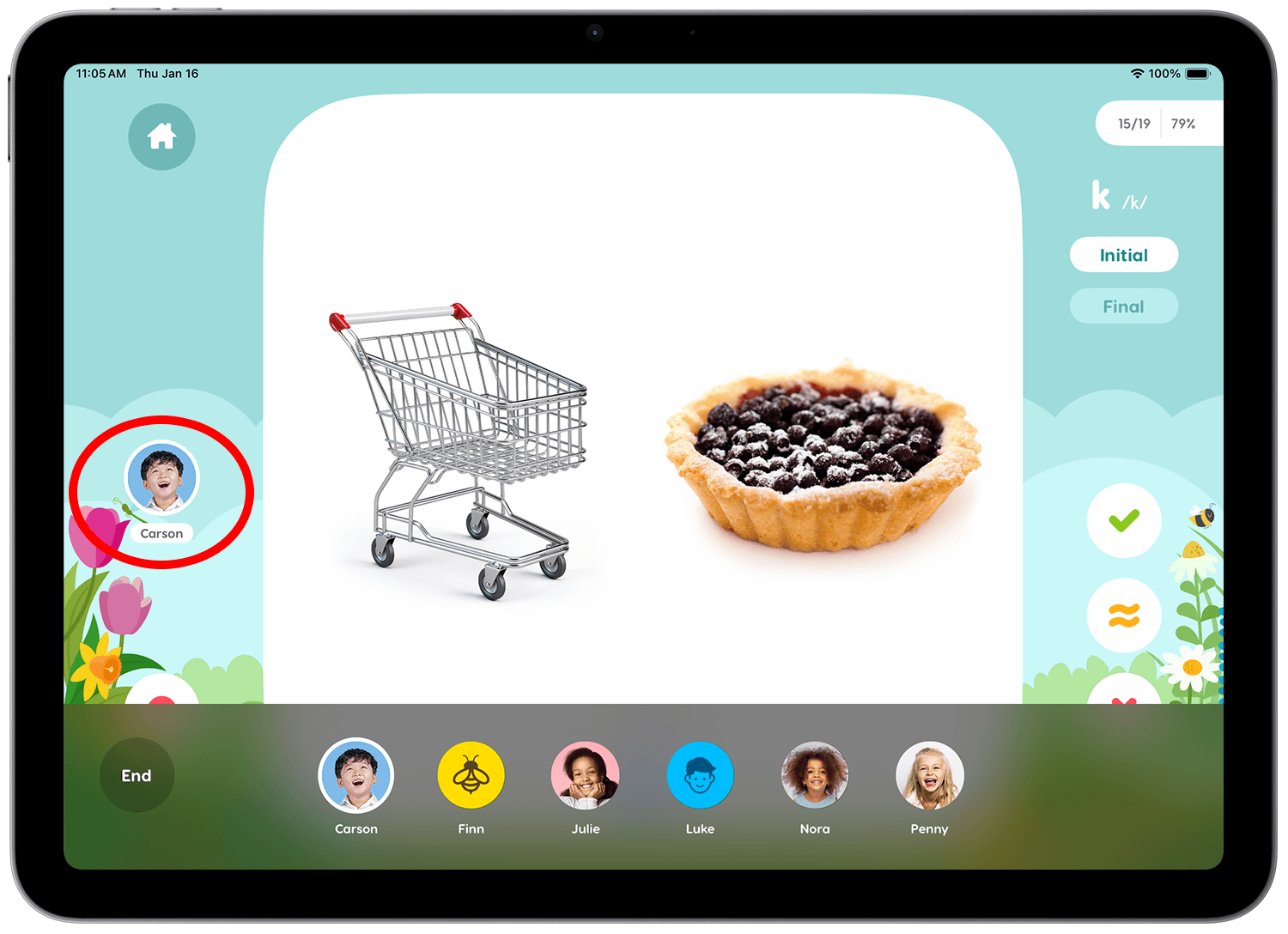
Step 8.
The new active student's image and name will appear on the left so you always know who is currently being scored.
Step 9.
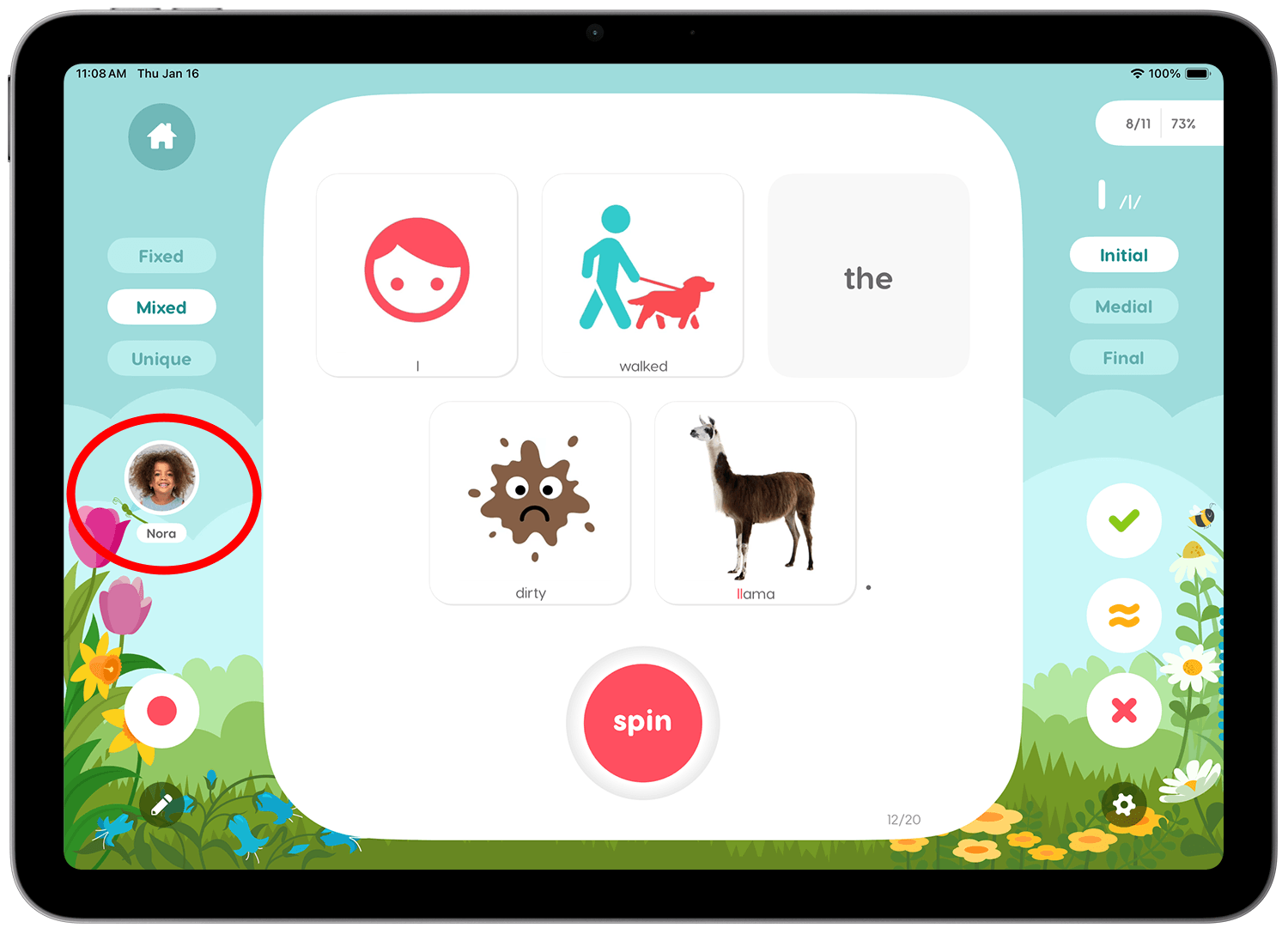
To end a group session tap the image of the active student (on the left) then tap the End.
Step 10.
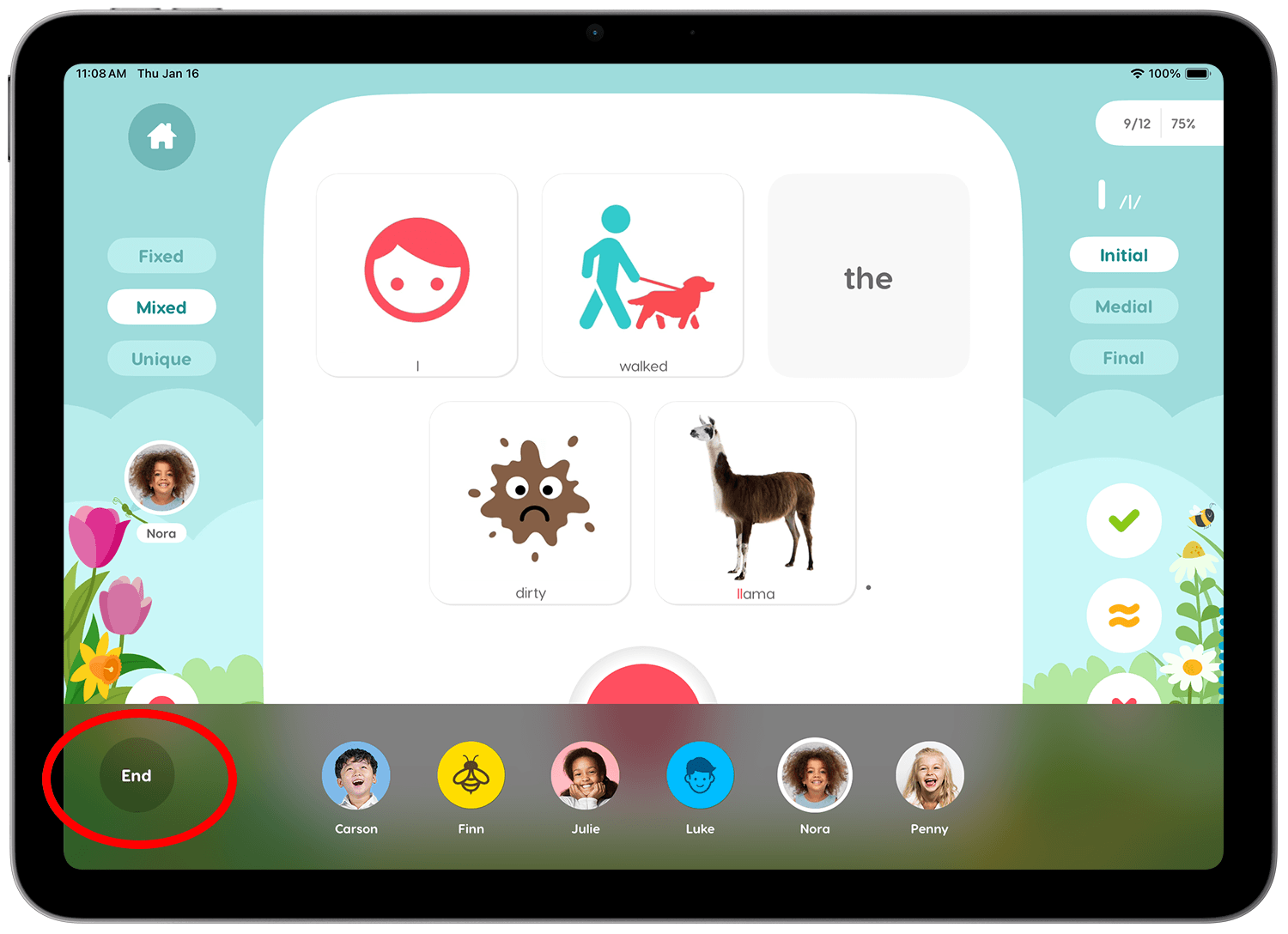
A brief summary of the group scores are shown for each student. When you're ready to save them, tap the Save button. Each student's score is then immediately saved under their individual student name in the Scores screen.
Step 11.
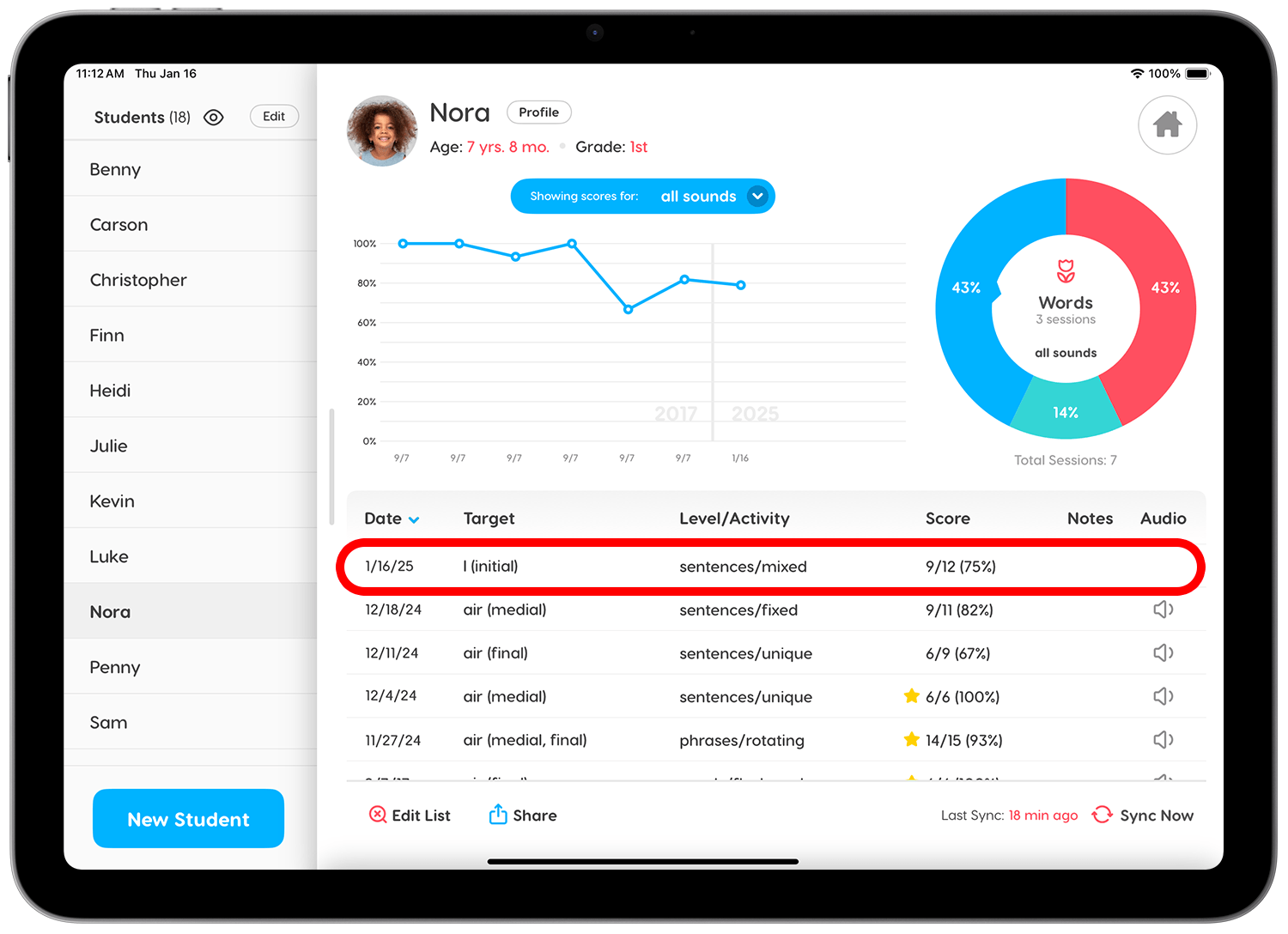
View the scores of each of the students by tapping their names from the Scores screen. You will see their scores from the group session listed at the top of their score summary list by default. To see a detailed version of the score summary, simply tap the score you'd like to see.